
Library
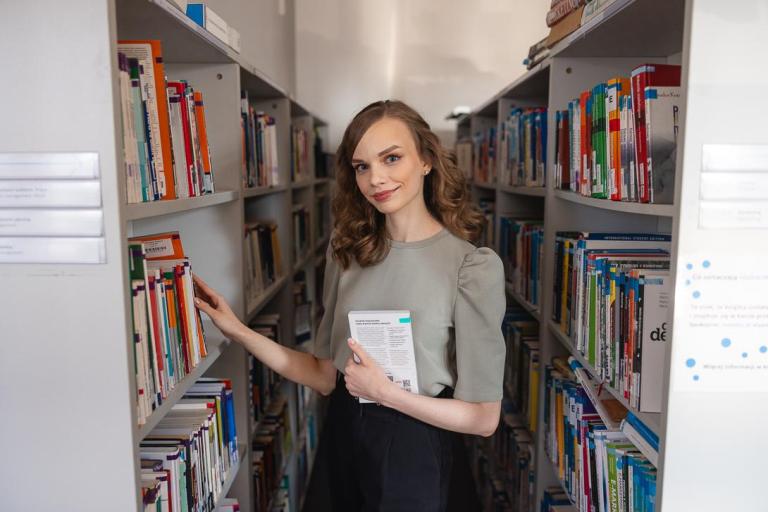
- We provide access to books, journals and textbooks essential for work and study.
- It is open to everyone: students, staff and external visitors.
- We are part of the interlibrary loan system.
Online library catalogue
- The entire collection is catalogued electronically.
- Readers can browse bibliographic records of the collection and use extensive e-resources, including abstract databases and full-text journals.
Stay up to date with us
Do you want to be the first to hear about what’s new in our library or get to know us better? Follow us on Facebook!
DIGITEKA – Didactic Materials Centre
It is a collection of over 2,000 materials for students and lecturers (including case studies, manuals, films and books) from various fields, such as philology, computer science, law or psychology.
Library in numbers
Borrowing rules
Search for, borrow or request books via the online library collections catalogue.
As a rule, we lend books for 4 weeks, but this period can be extended.
The number of items borrowed at one time may not exceed 15.
Some titles are available for use on site only.
To use the collections, go to your library account.
How to start using the library?
Students of WSB Merito University can use the resources free of charge.
Borrowing is conditional on holding a valid student ID card.

Library catalogue
How can I borrow a book?
- Step: Go to the online catalogue of the WSB Merito University Library and log in using your student ID number and password.
- Step: Use the search function to find the book you want to borrow.
- Step: Check its availability. If the book is available, click the “Borrow” option. If it is not available, you can reserve it.
- Step: Once you have ordered the book, you will receive a confirmation and you will be able to collect it from your chosen location.
Extension (renewal) of a loan
- You have full control over your loans and can extend due dates without needing to visit the library.
- You can extend the return date of a borrowed book yourself by logging in to your library account.
- Renewal can be made up to 5 times, provided there are no other reservations for the book.
Book reservation
Thanks to the online reservation system, you can track the availability of books and reserve copies that are currently unavailable (on loan). When the book is returned, you will receive an email notification and will be able to choose a convenient collection point – at the Library or from the book locker. You can cancel your reservation at any time. If a book you have borrowed is reserved by another user, it will no longer be possible to extend its loan period.
Book pickup and return
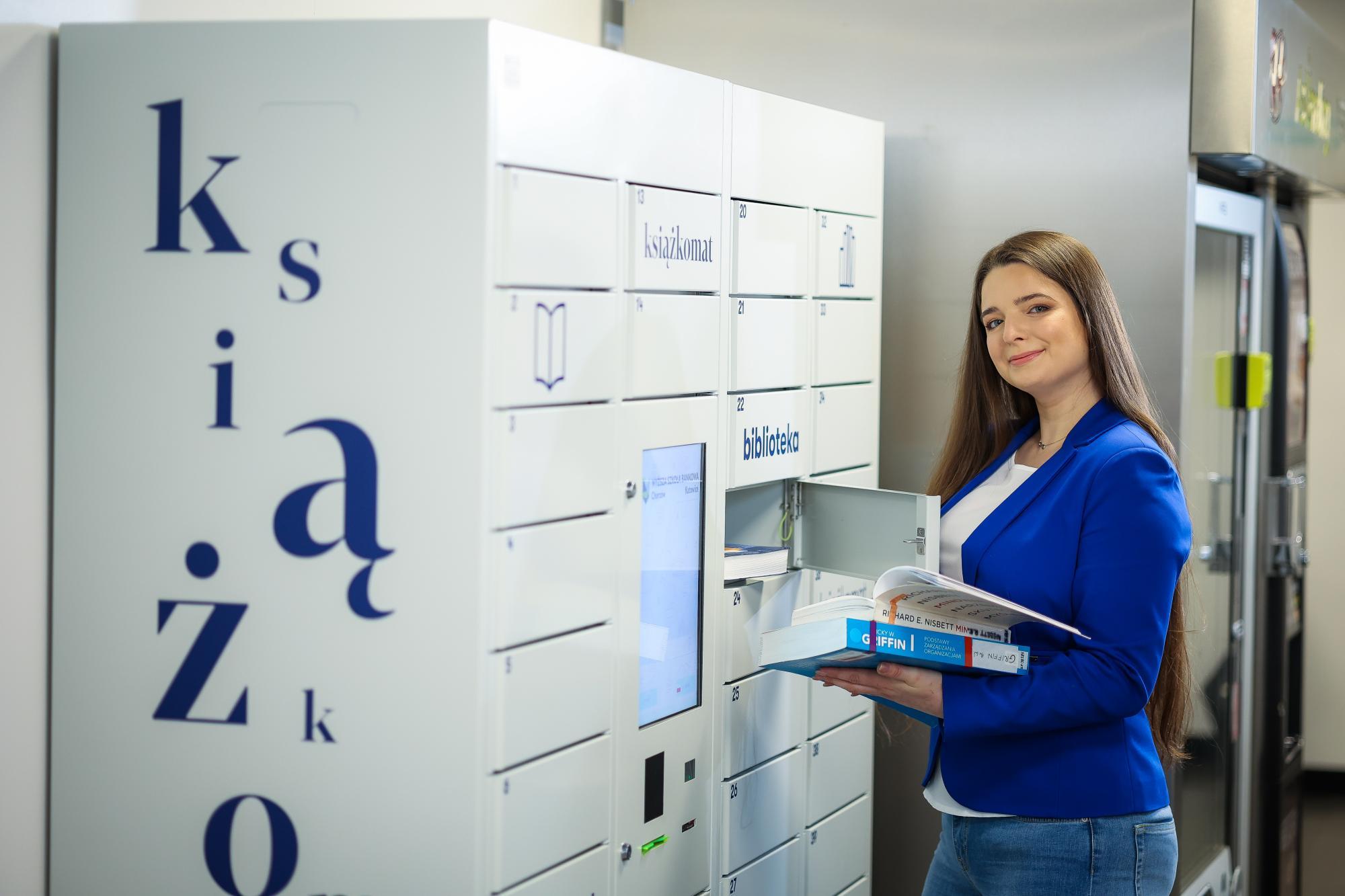
- You can return books during the Library’s opening hours. You can do this in person or via someone acting on your behalf, as well as 24/7 using the book lockers.
- You can also return books outside the Library’s opening hours by placing them in the book drop on the first floor next to room 130.
- You can also return books by post, sending them by mail or courier. You will find the address in the Contact section. Remember to add “Library” as a note.
How to use electronic resources?
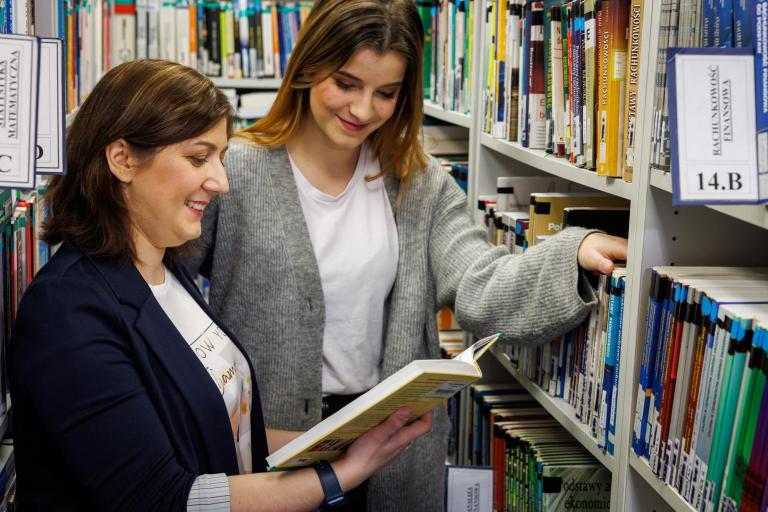
Using the Library’s electronic resources is simple and convenient. You can browse the online catalogue by logging in to your library account, which lets you search for books, e‑books and journals and place reservations. The Library also provides access to external databases such as IBUK Libra (academic e‑books) and LEX (a comprehensive Polish legal information system), offering a wide range of scholarly publications and legal information.
Photo gallery
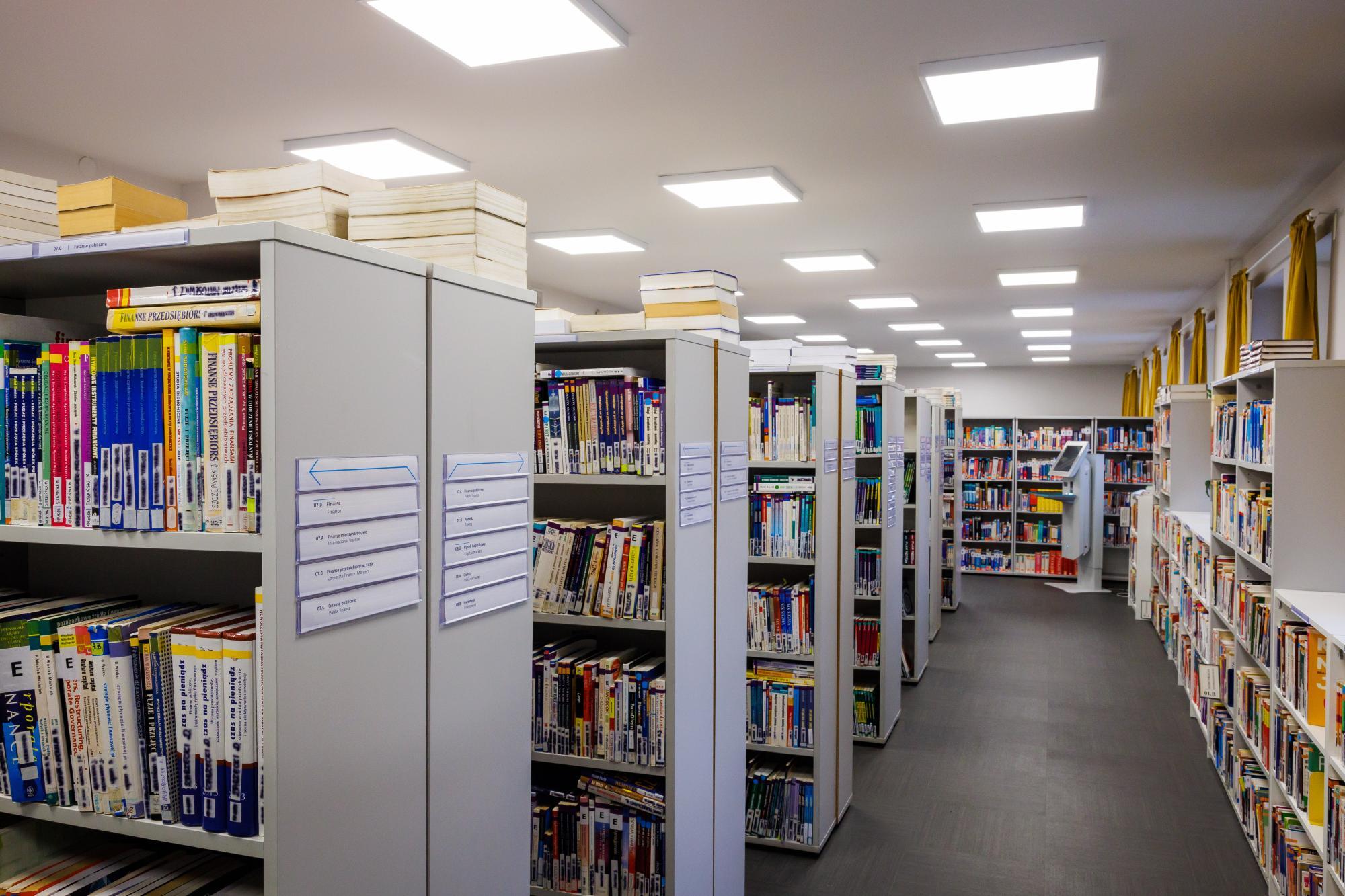

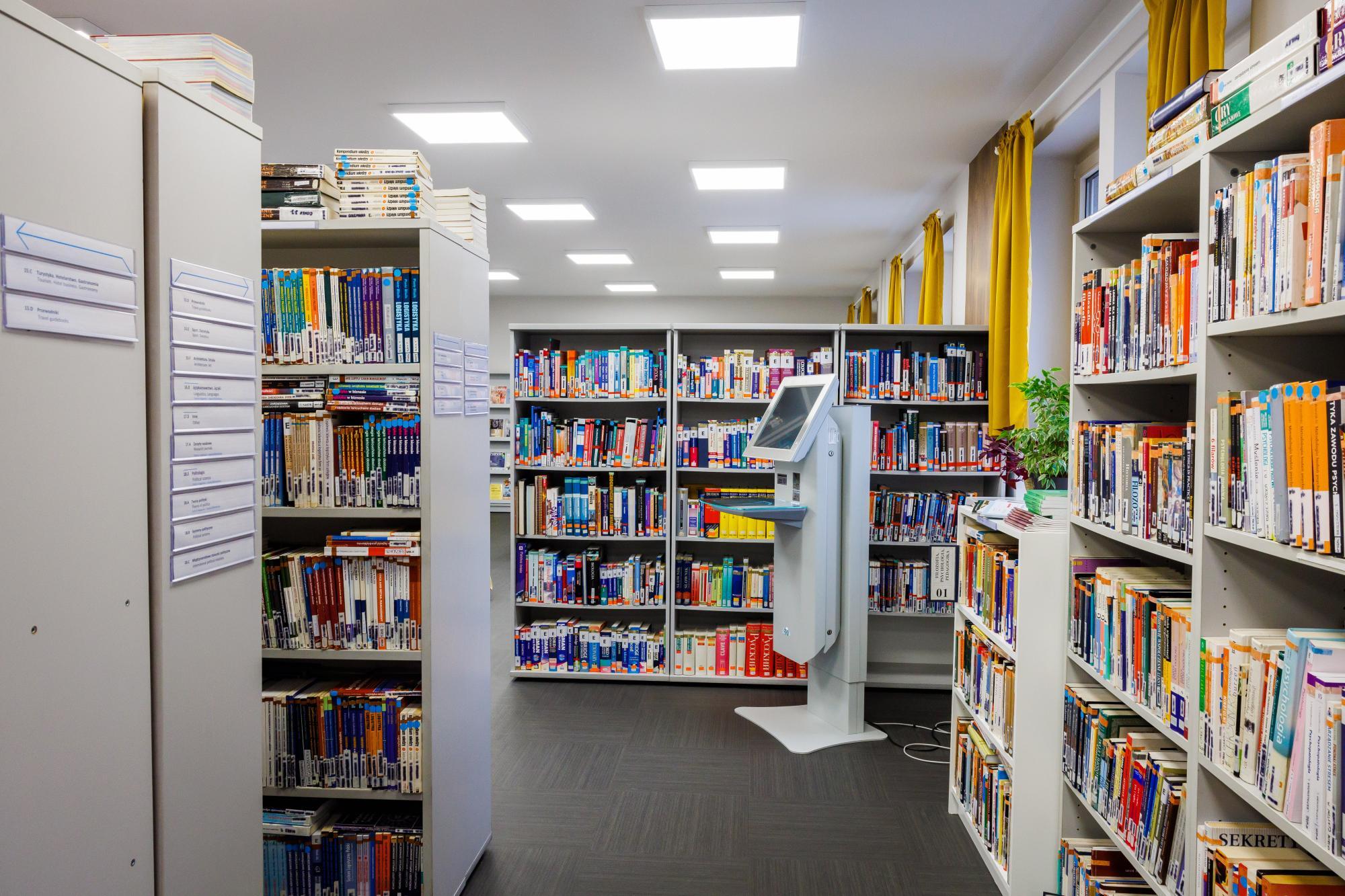

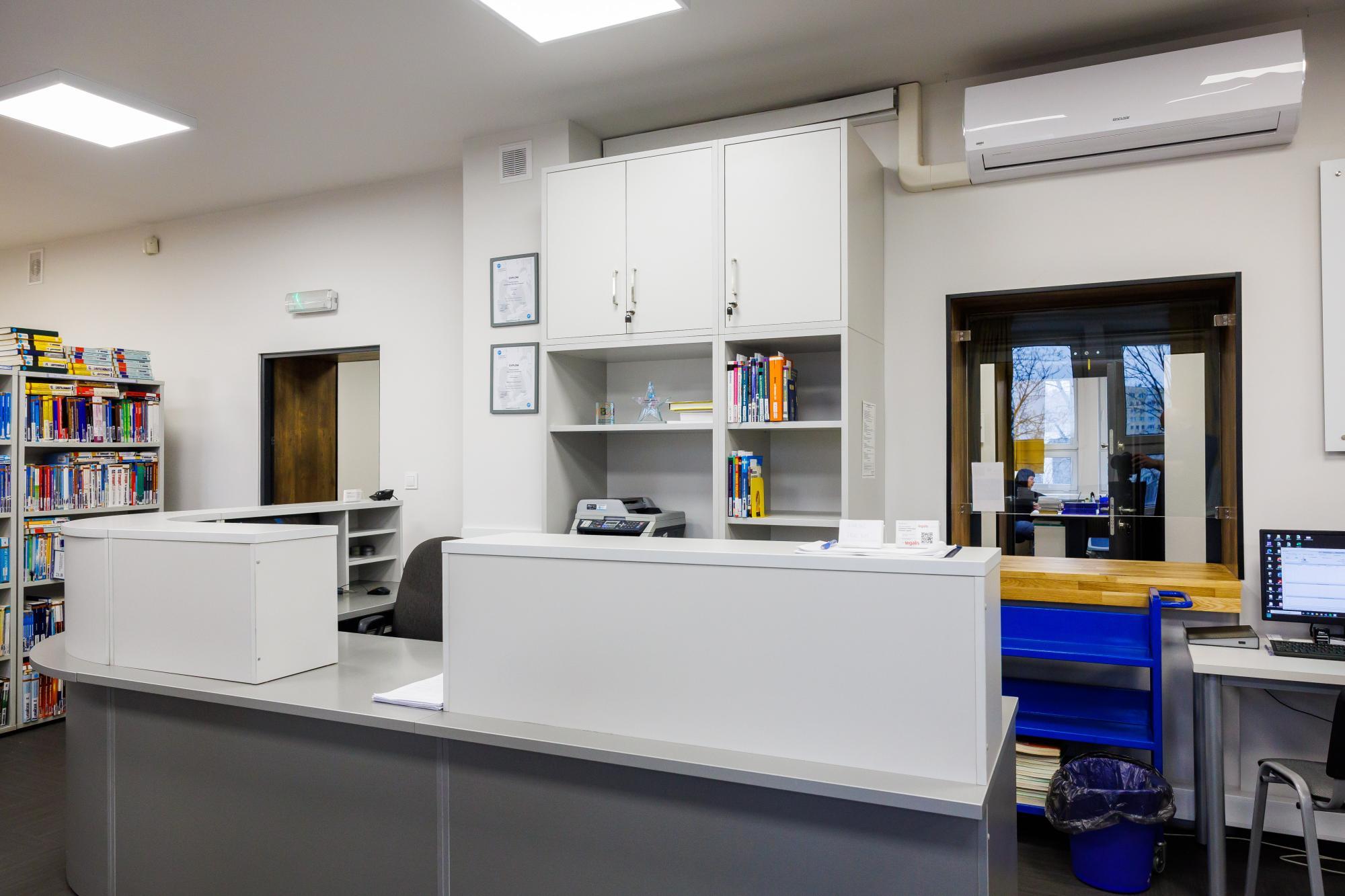
Reading room
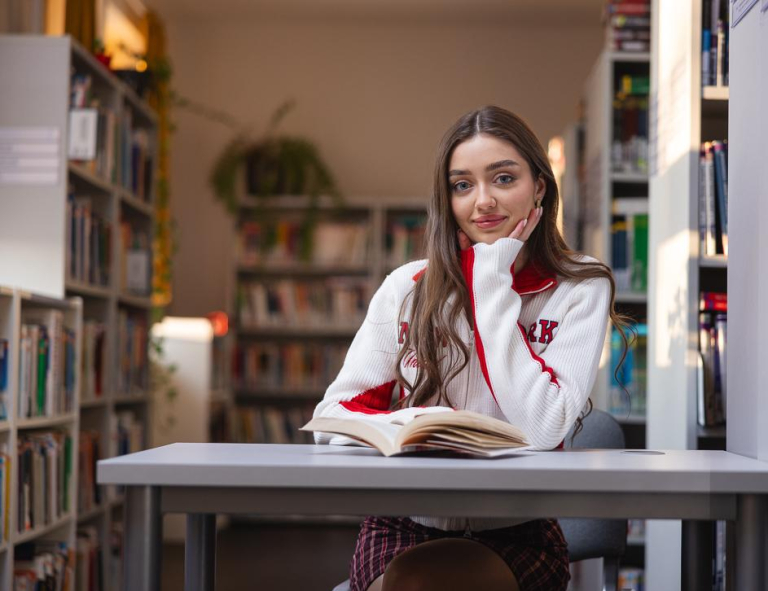
- The reading room is equipped with computer stations with Internet access.
- You have free access to books and periodicals there. The collection is arranged by subject area.
- The reading room encourages not only study; you’ll also find board games and bookcrossing shelves there.
DIGITEKA – Didactic Materials Centre
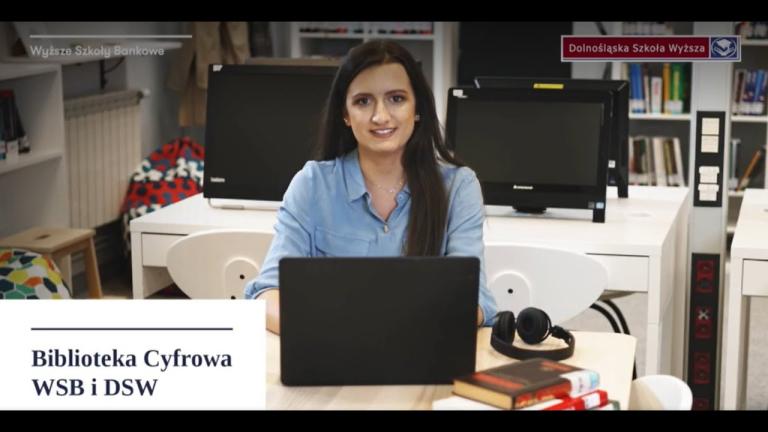

We encourage you to make use of Digiteka, where you will find many valuable resources for self-study, broadening your horizons, and all-round development.
Podcasts and short videos make even complex topics easy to understand and accessible.
This tool gives you access to materials at any time. Simply log in using your MeritoGo credentials.
Frequently Asked Questions
Books can be borrowed directly in the library or ordered online via the library catalogue. For online orders, books are ready for collection within 48 hours.
The library is open at the following times:
- Tuesday: 09:00–16:00
- Wednesday: 09:00–16:00
- Thursday: 09:00–17:00
- Friday: 09:00–16:00
- Saturday: 09:00–15:00
- Sunday: 09:00–15:00
You can extend the due date by logging into your account in the library system, provided the book has not been reserved by another user.
Yes, students have access to many electronic resources, such as e-books, databases, and academic journals via platforms like Ibuk Libra, Ebookpoint, and others.
Books can be returned in person at the library, dropped into the book drop, or sent to the library’s address.
Yes. Books that are currently on loan can be reserved online. When the book is returned, you will be notified by email.
People from outside the university may use the library’s resources on site in the reading room, but borrowing is reserved for students and staff.
You can reset the password to your library account by contacting the library staff or by using the password recovery option on the library system login page.
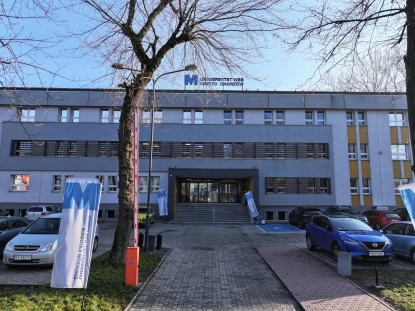
Book vending machines are devices used for the 24-hour collection of books ordered from the Library. They are located on the ground floor of the building at 29 Sportowa Street, next to lecture halls A and B.
How do you use them? Check the instructions.
There may be a total of 15 books on your account.
A single locker of the book book vending machine can hold a maximum of 5 books. If you order more, or if they are in a larger format, they will occupy the appropriate number of lockers – remember to empty them all when collecting!
The self-service machine for borrowing and returning books is located directly in our Library.
To use it, a student card is required!
Borrowing:
- Insert your student card into the reader and wait until your account opens;
- Place up to three books you wish to borrow on the tray;
- Click borrow – the books will appear on your account.
Returns:
- Insert your student card into the reader and wait until your account opens;
- Place up to three books you wish to return on the tray;
- Click return – the books will disappear from your account and you can place them on the trolley next to the machine.
When using the machine, you can also extend the due date of all the books on your account.
The book drop is a device for the self-service, round-the-clock return of books. It is located in the corridor on the first floor, next to room 130. How to return books?
- Insert your library card into the reader and wait until your account opens
OR - Press the “Open” button if you do not have your card with you;
- Insert the books into the slot ONE AT A TIME and wait until they are pulled in by the belt and disappear from your account.
Automatic notifications from the library system are sent when:
- the due date for returning your borrowed books is approaching,
- a book you have ordered or reserved is ready for collection,
- a book you have borrowed has been reserved by another user,
- the reservation period for a book expires,
- you have exceeded the due date for returning your borrowed books.
Here! Take a look at the Library and Information System Regulations.
Contact us! Give us a call or send us a message. All our students’ accounts should be in our database; sometimes we just need to activate them.
If you do not remember the password to your account, we can also generate a new one.
It is worth remembering to extend the due date, because the library system charges a fee for overdue books of 1 PLN for each day of delay for every borrowed item.
The fee must be paid by bank transfer to the account number "83 1600 1462 1087 6355 1000 0087" and the payment confirmation should be sent to us.
However, if you have already missed the due date, contact us and we will certainly find the most favourable solution.
Library staff

Karina Szołtysik
- E-mail:
Katarzyna Trocha
- E-mail:
Library staff
Anna Pałyska-Sitko
- E-mail:
Ewelina Litwin
- E-mail:
Contact us