
Student ABC

Student ABC | WSB Merito Poznań University: Grafika główna: WSB Merito Poznań, dla nowych studentów, pięcioro studentów idzie przez Stary Rynek w Poznaniu

Welcome to WSB Merito University in Poznań!

Thank you for your trust and for choosing our university. Before you start your classes, please read the key organizational information that will make it easier for you to get started.

Student ABC | WSB Merito Poznań University: lic poznań

Stay up to date with us

Join and stay up to date!

Key university departments

Get to know us and see how we can help you

Key information to get started

MeritoGo


An intuitive portal that provides constant contact with the university. There you will find class schedules, grades, news and information about payments.


Login


  • Go to the MeritoGo website in Polish or English:
  • MeritoGo PL
  • MeritoGo EN
  • Use the login sent to you by e-mail after you started your studies.
  • Enter the password you set during your first login.


Having issues?
Contact us at: [email protected] 
To help us respond faster, please include your first and last name and your login in the e-mail.


Microsoft 365

Every student receives a free A3 license, which includes the following applications: Outlook, Teams, Word, PowerPoint, Excel, OneNote, SharePoint, Sway and Forms.


Login

  1. Go to the Office 365 portal.
  2. Click "Sign in".
  3. Enter your login in the following format:

[email protected]

(You can find your login in the Extranet: My profile → My data → Login for the MS365 service).

  1. Sign in using your WSB Merito University credentials.


Note: Signing in to all Office apps (including Teams) and the Office 365 portal requires a university MS365 account.


Having issues?
Contact us at: [email protected]


Moodle

On the Moodle e-learning platform, you will find materials that

Do you never part with your smartphone? Do you like using e‑solutions that make student life easier? Try our MeritoGo app.


With MeritoGo app you will stay up to date with:

  • your class schedule,
  • your grades,
  • news and information about payments.

Available for Android and iOS.

Collecting your student ID card:

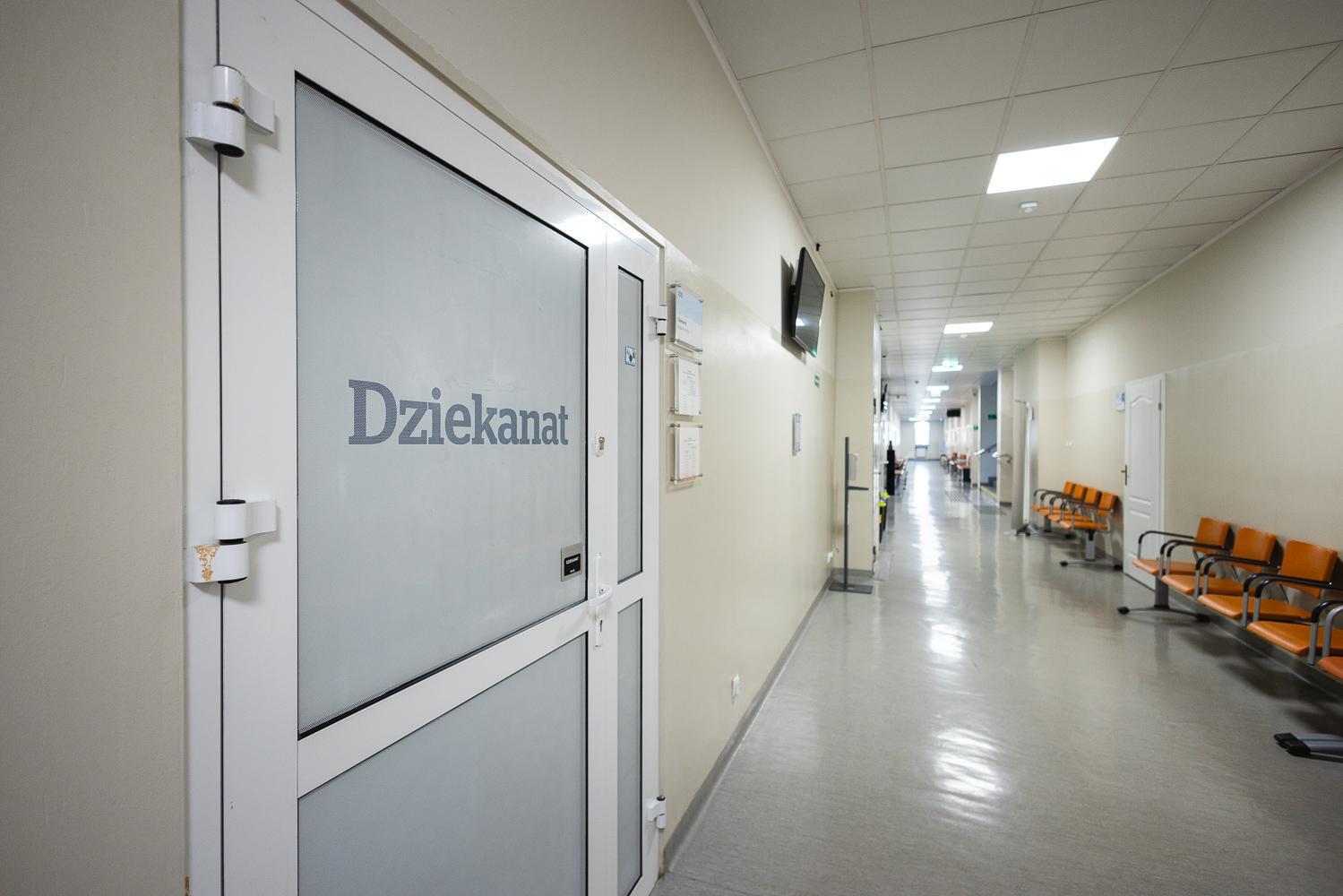
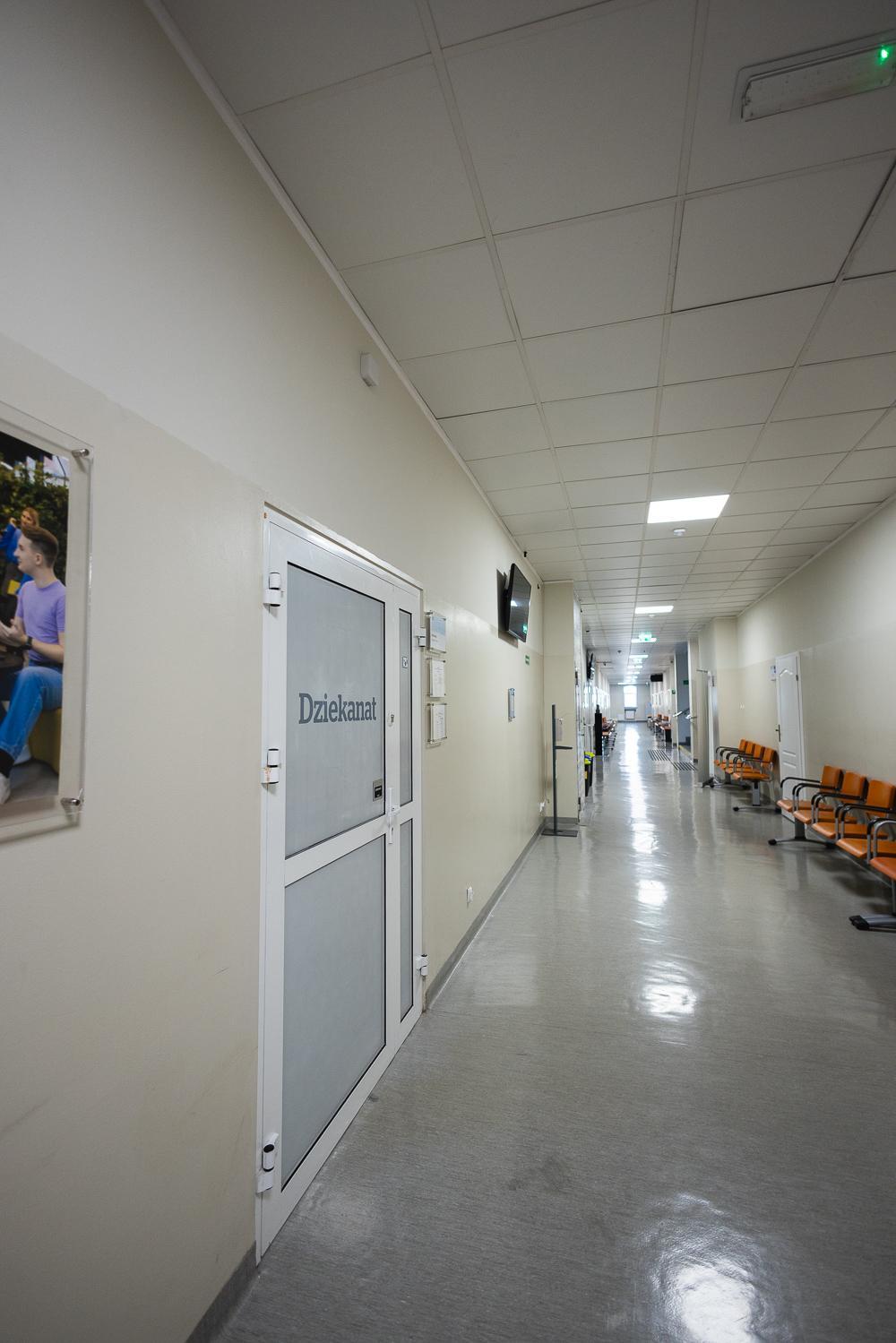
Student ID cards will be issued at the Dean’s Office no earlier than during your first classes. Please bring a photo ID to collect your card.


Extending the validity of the ID card for graduates:

  • Details on extending the validity of the student ID card are available in the Dean’s Office tab in the Extranet.
  • Graduates of WSB Merito University in Poznań (first-cycle studies) can extend the validity of their existing student ID card at the Master’s Studies Dean’s Office. This way, they avoid the cost of issuing a new card. Graduates keep their student number and the individual bank account number from their first-cycle studies, to which payments should be made.


mLegitymacja – Electronic Student ID card:


  • The electronic version of the student ID card can be obtained in the mObywatel app.
  • The activation guide is available in the Extranet under My profile → mLegitymacja (a plastic student ID card is required).


Replace your traditional student ID card with the electronic one and have it always at hand!

As a student, you can apply for:


  • a social scholarship,
  • a scholarship for students with disabilities,
  • the Rector’s scholarship for outstanding academic performance,
  • the Rector’s scholarship for academic achievements,
  • the Rector’s scholarship for sports achievements,
  • the Rector’s scholarship for artistic achievements,
  • a hardship grant.

Find out more ->


Want to know the application deadlines? 

Contact the Payments and Scholarships Office -> 
Payments and Scholarships Office
Phone: 61 655 33 16

E-mail: [email protected]

Schedule of classes – full-time and part-time hybrid studies
 

  • Classes in higher education programmes start in October.
  • After logging in to the Extranet, in the Organisation of the academic year → Academic year schedule tab, you will find detailed information on class dates and exam sessions.
  • The class timetable is visible 7 days before the start of classes.


Part-time studies – online
 

Information about the start dates of courses can be found on the Moodle platform, which is available after logging in to the Extranet. Detailed information about the first classes will be posted in the Extranet one week before classes start. You will find it in the Extranet under Class timetable → My timetable.
 If you study online, this is where you will see the schedule of optional consultation meetings.


Download the academic year 2025/2026 schedule: 


Academic year schedule (full-time studies) 


Academic year schedule (part-time studies)


Group allocation

In the class timetable you will find your assigned group. In exceptional cases it is possible to change groups – to do so, please contact the Student's Office.

Detailed information on health insurance can be found in the Extranet under: Study programme organisation → Student insurance.


It is also possible to take out personal accident insurance (NNW). Information on this is available in the Extranet under: Study programme organisation → Student insurance.


If you are interested in health insurance provided through the university, please contact the Dean’s Office or the person responsible for applications (indicated on the application form):


Mon: 14:00–17:00
Wed: 09:00–14:00
Fri: 09:00–14:00


Phone: 61 655 33 15

E-mail: [email protected]

You can obtain a certificate from the Student Office no earlier than after classes have started, within 3 working days of submitting your request (a template is available in the Extranet).


You can collect it in person at the Student's Office or download an e-certificate from the Extranet (from the My profileE-certificates tab).

First payment


Every student of WSB Merito University in Poznań receives an individual bank account number to which tuition fees must be paid. You will find your account number, subsequent payment deadlines and the amount of your tuition fee in the Extranet under My profilePayments and fees. The first tuition instalment and the fee for the student ID card must be paid by 30 September/March. This deadline changes only for students admitted after 15 September/March.


Make two separate transfers:

  • First tuition instalment – account named “tuition”
  • Student ID card fee of 22 PLN – account named “other”


The amount of the tuition fee can be found in your signed education contract, as well as in the Extranet once you receive access.

You can also make electronic payments in the Extranet.

Please remember that the payment date is the date on which the funds are credited to the university’s account.

We would like to inform you that as of 27 April 2026, the full functionality of the MOS ICT system (Case Handling Module) will be launched, enabling the submission of residence permit applications in Poland exclusively in electronic form.


MORE ABOUT MOS


Where to find us

Student ABC | WSB Merito Poznań University: poz lic

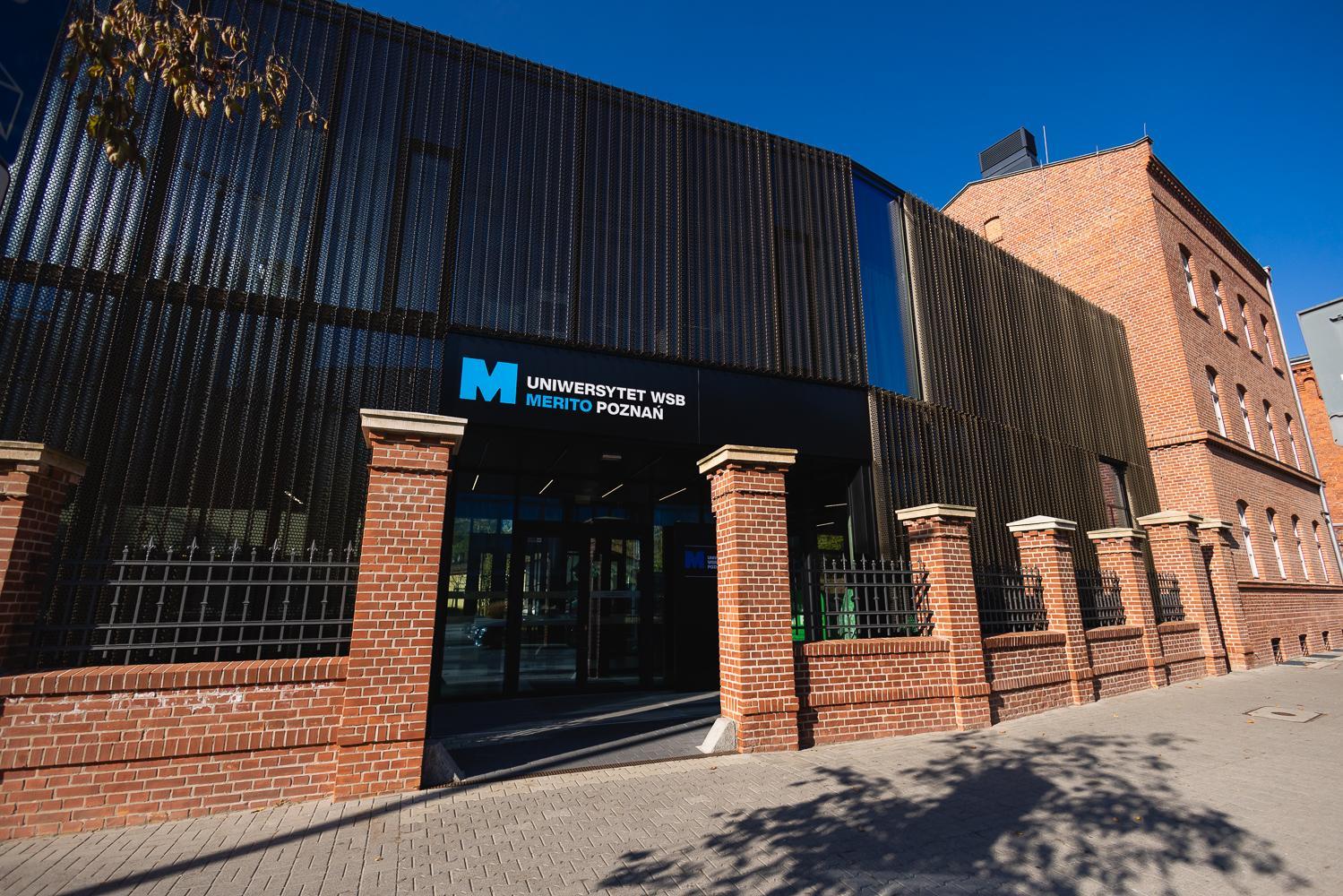
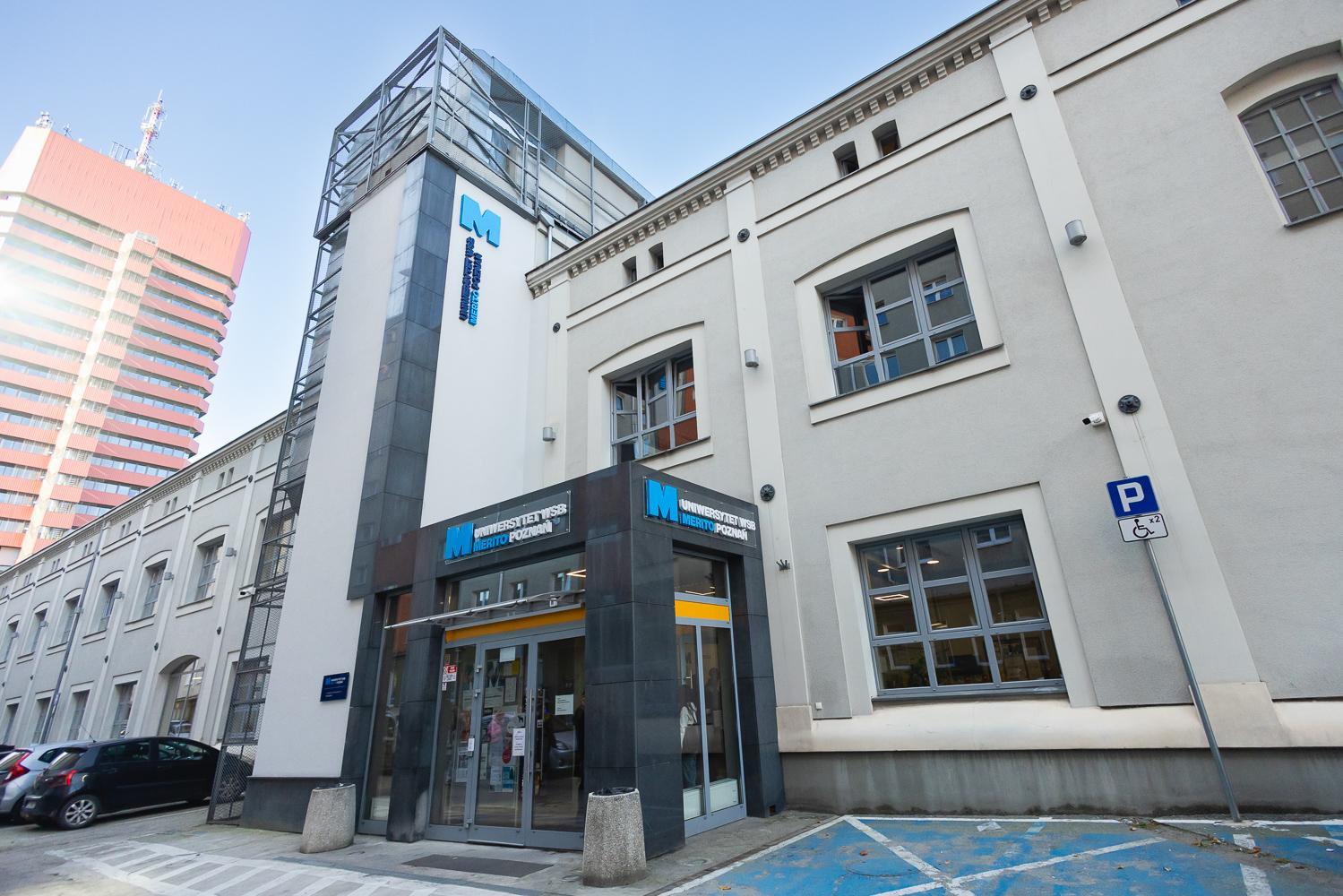
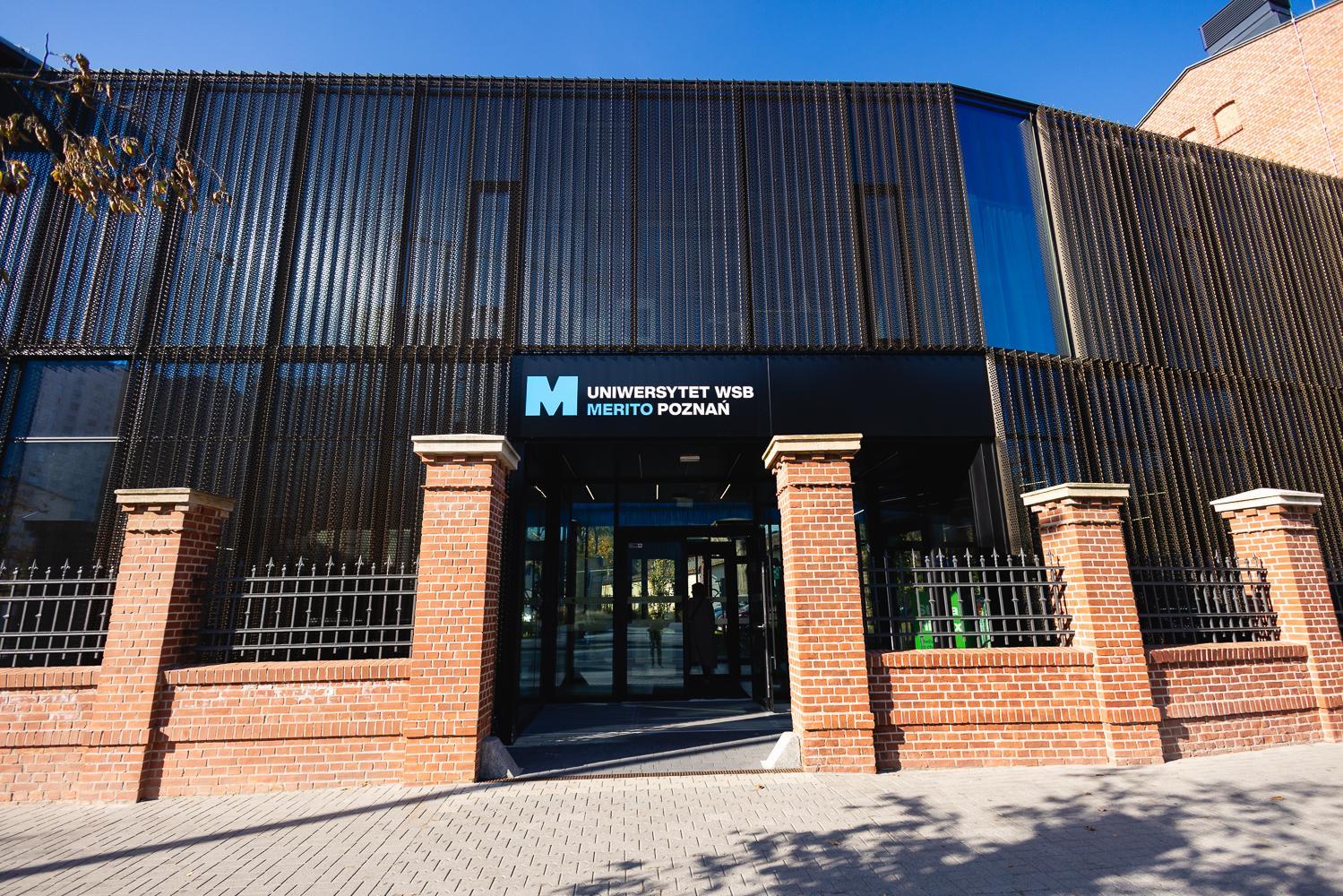
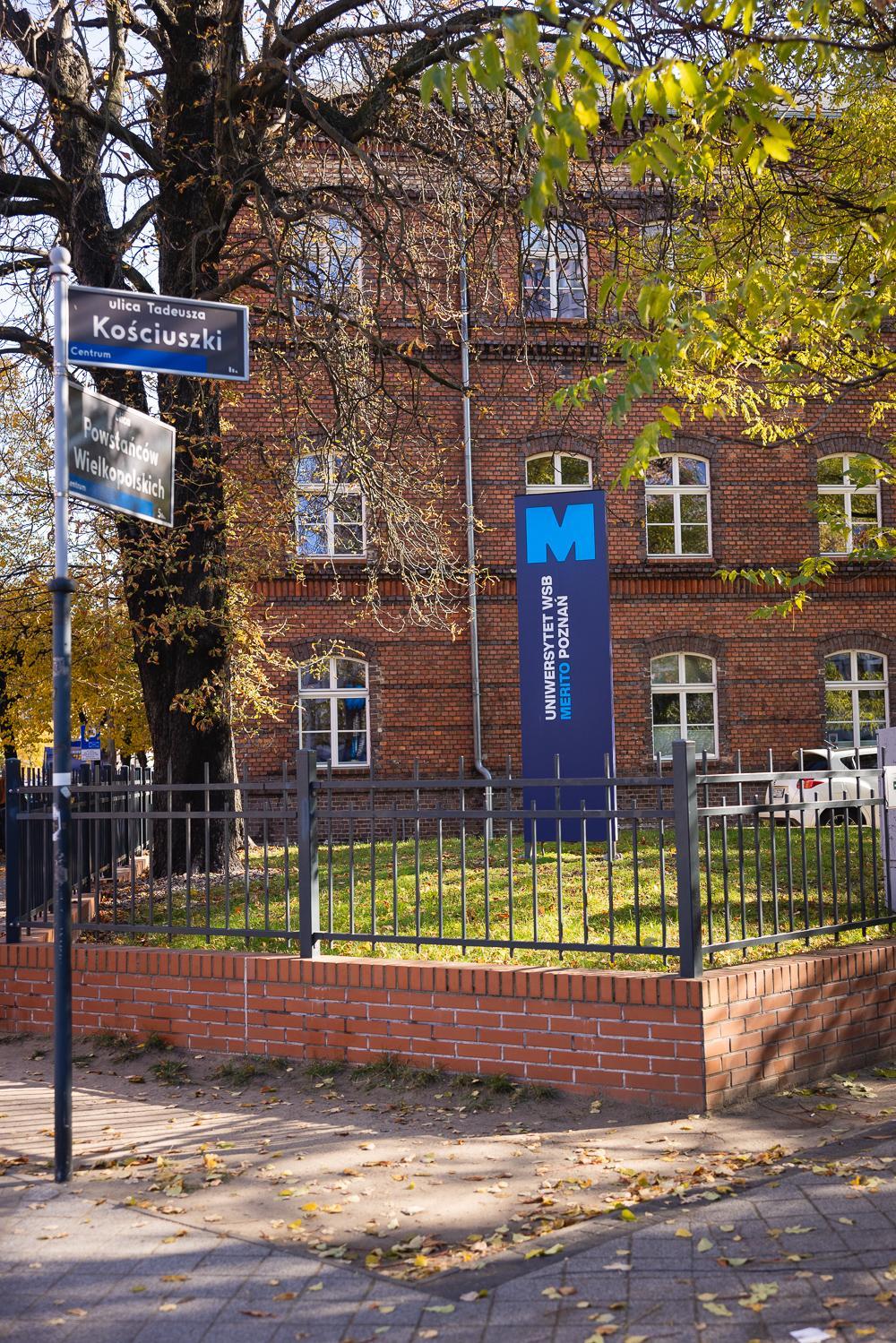
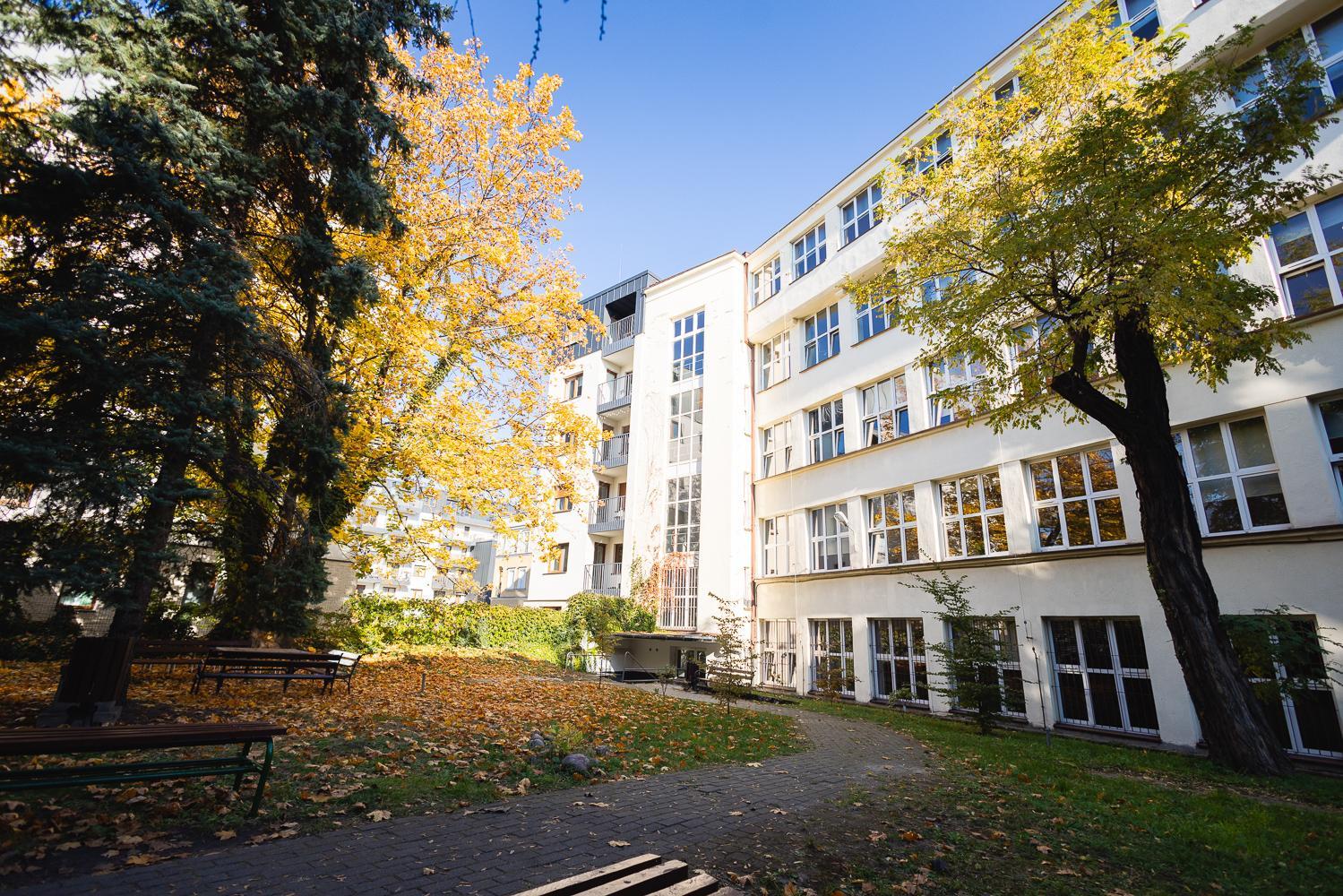
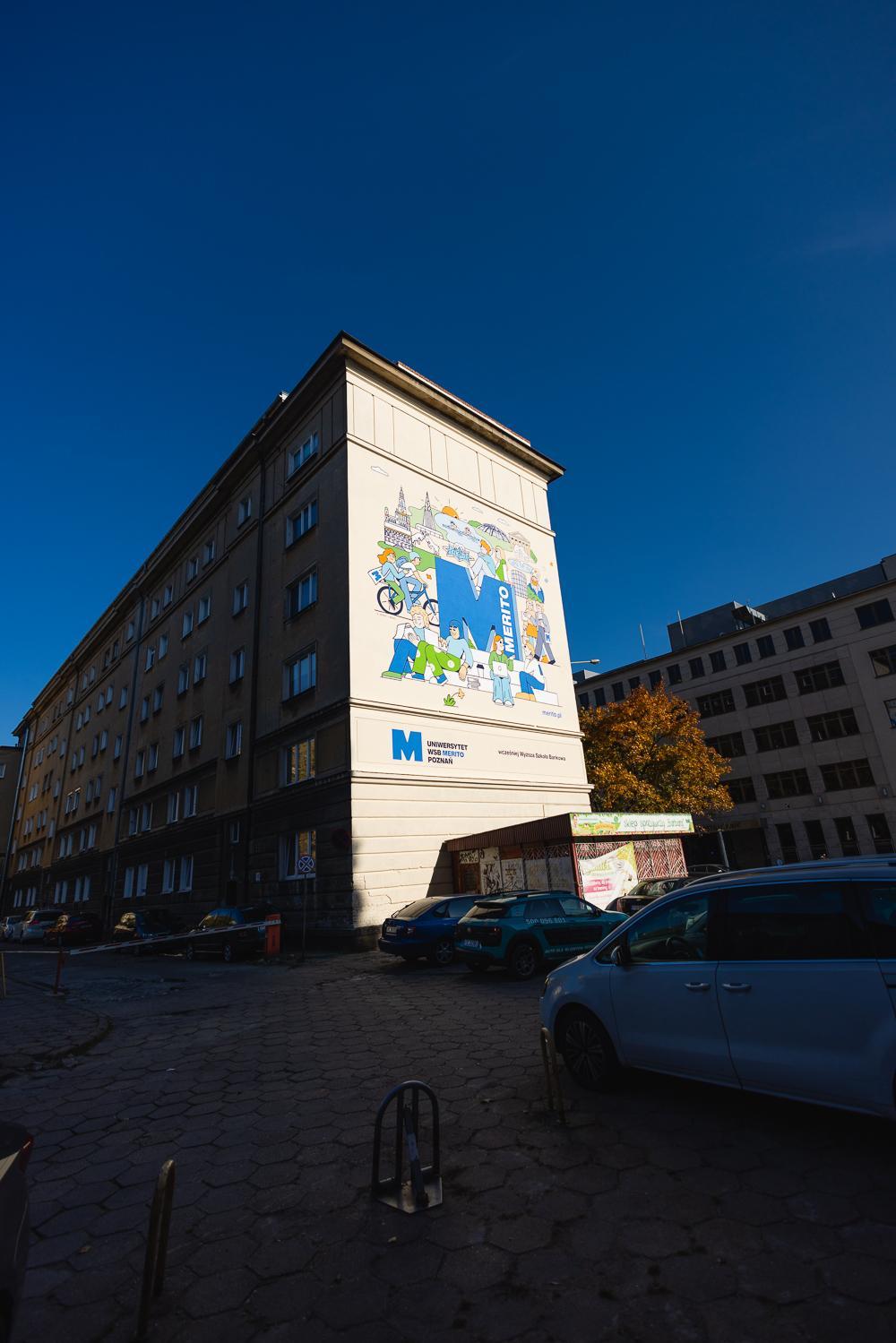
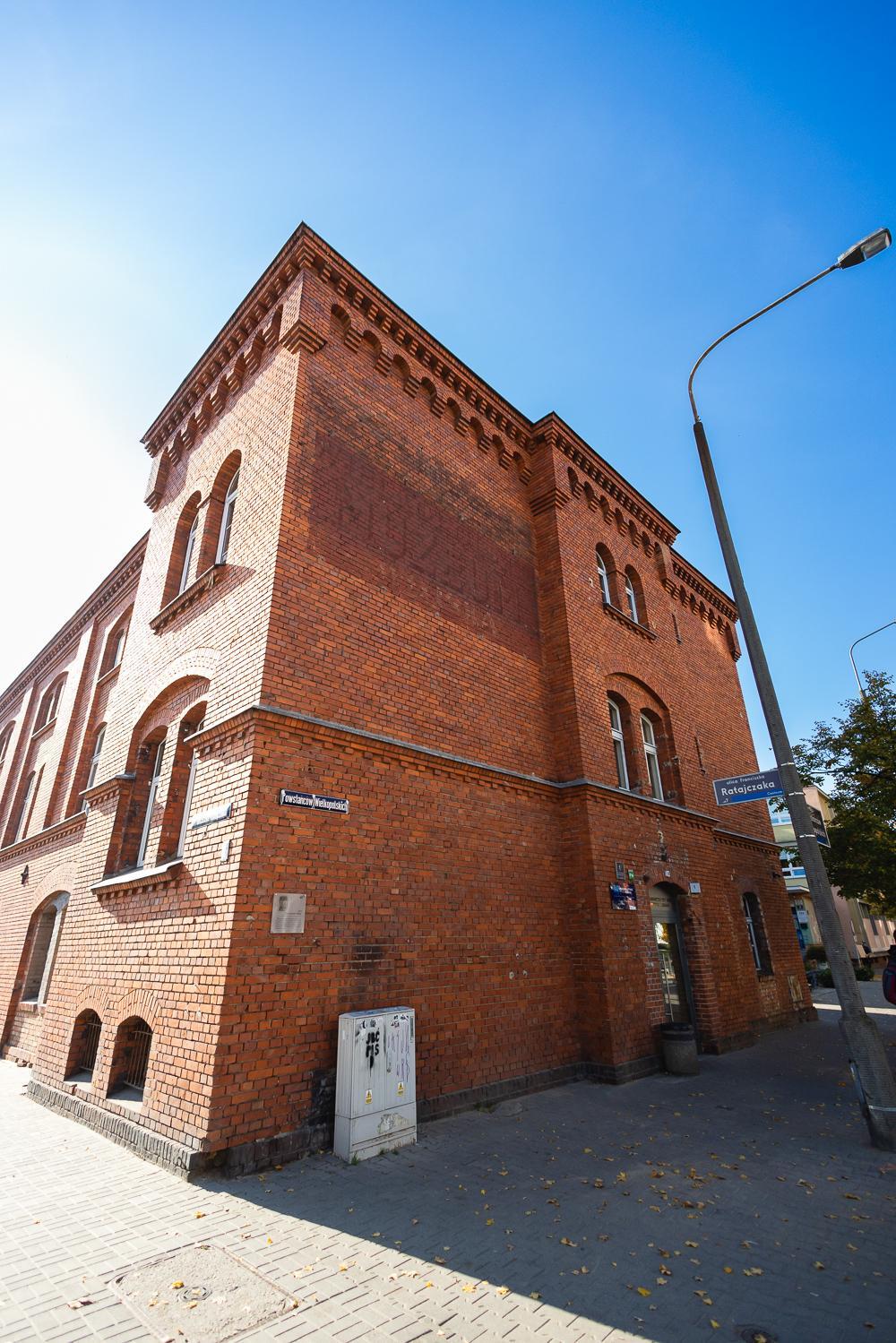
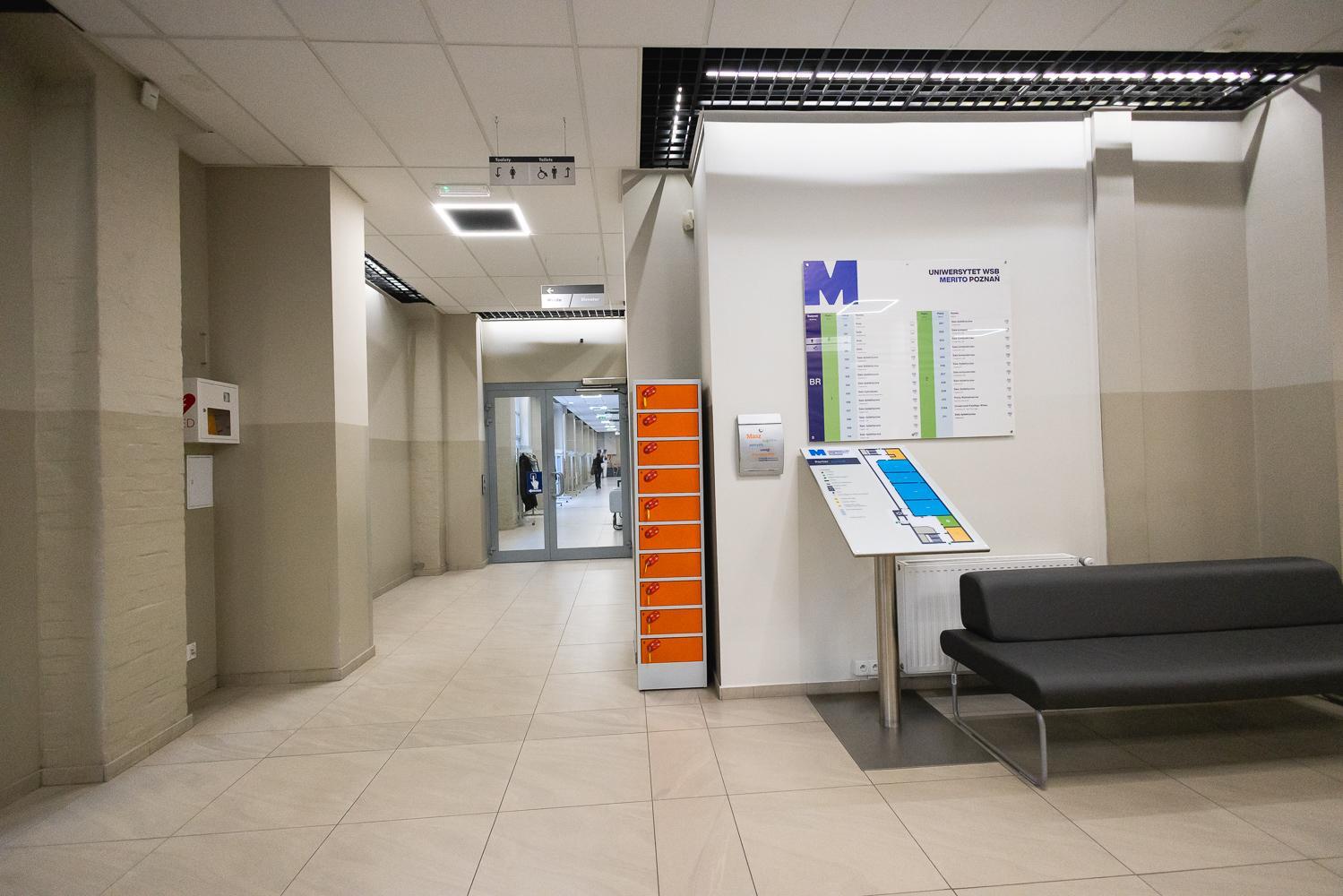
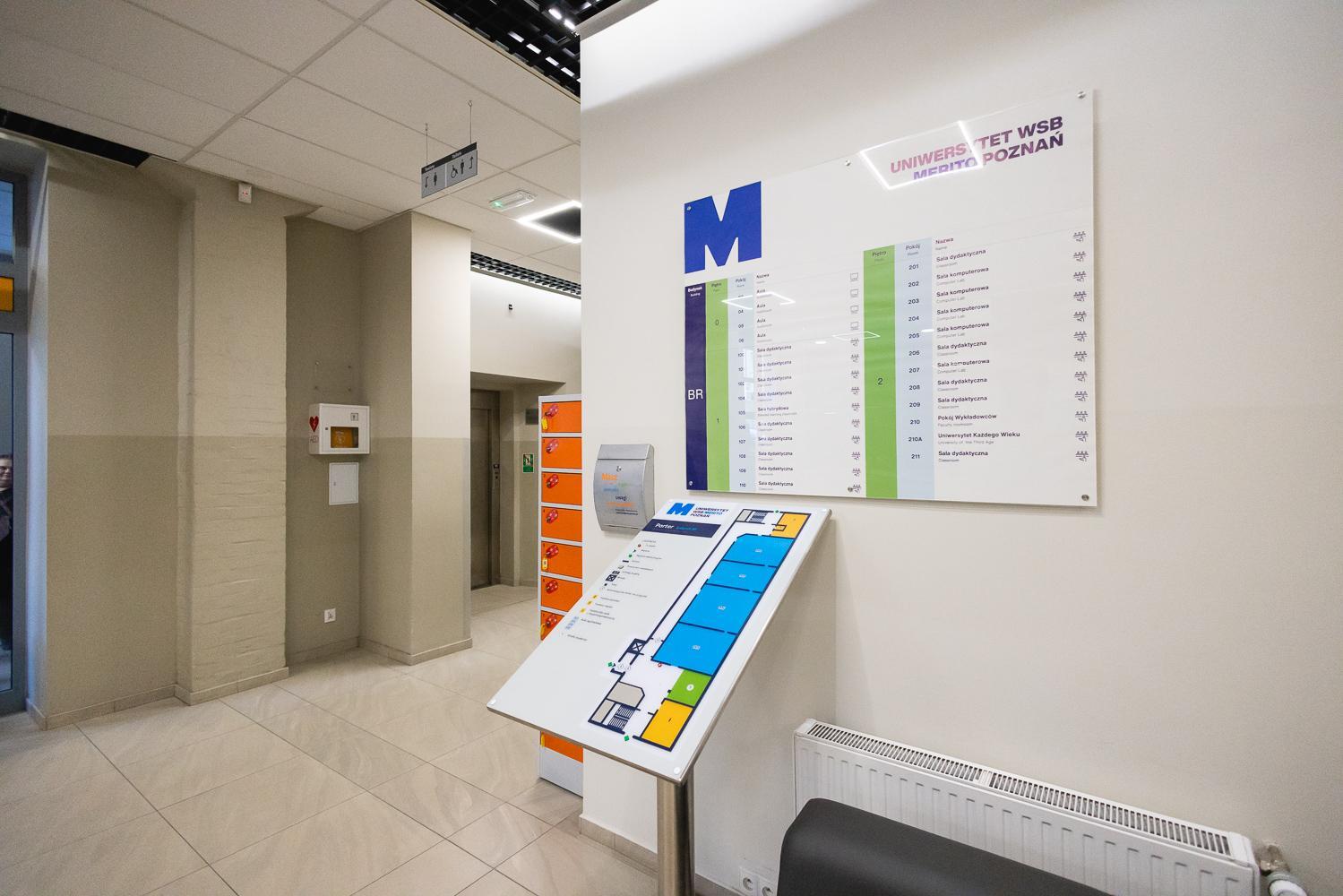
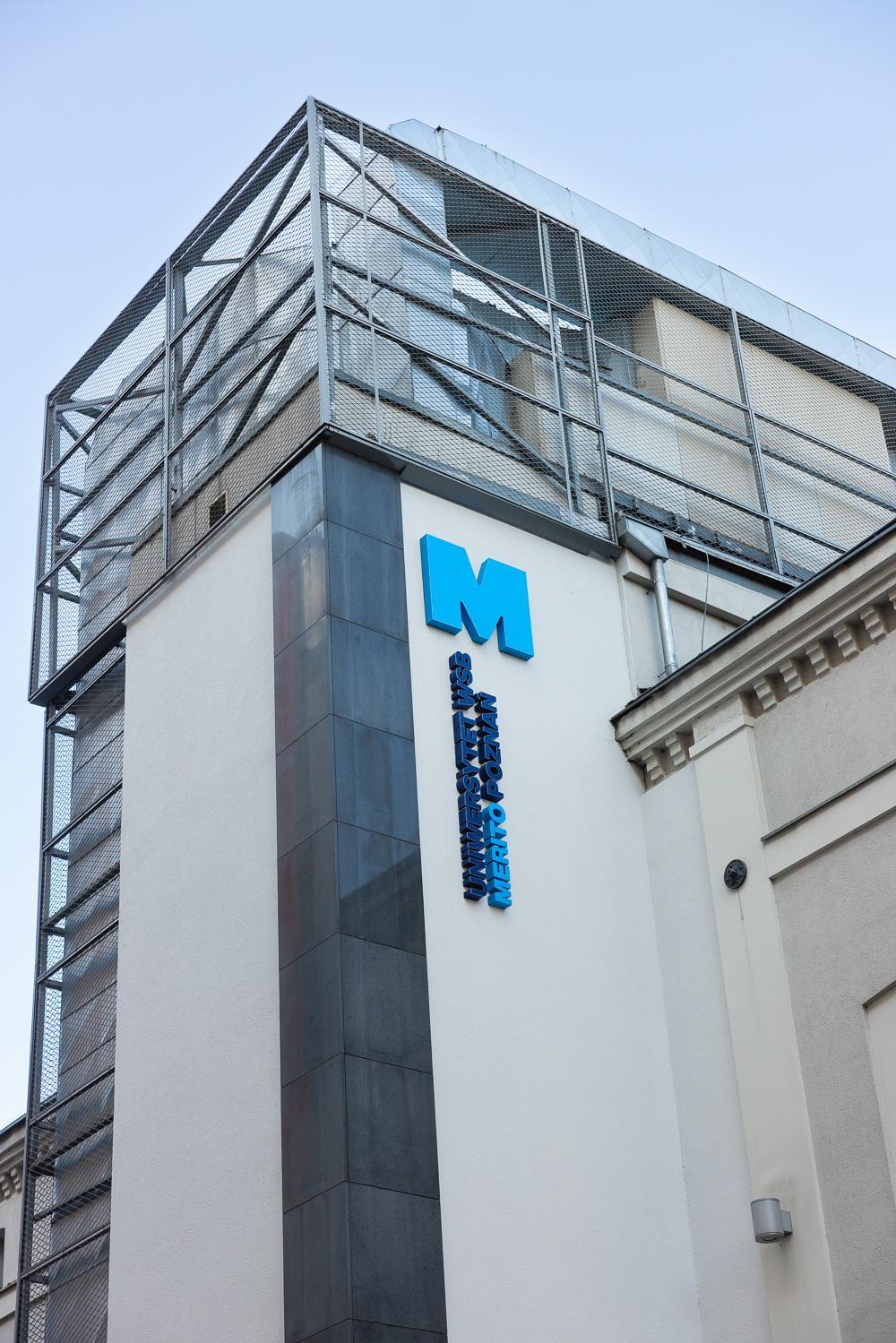
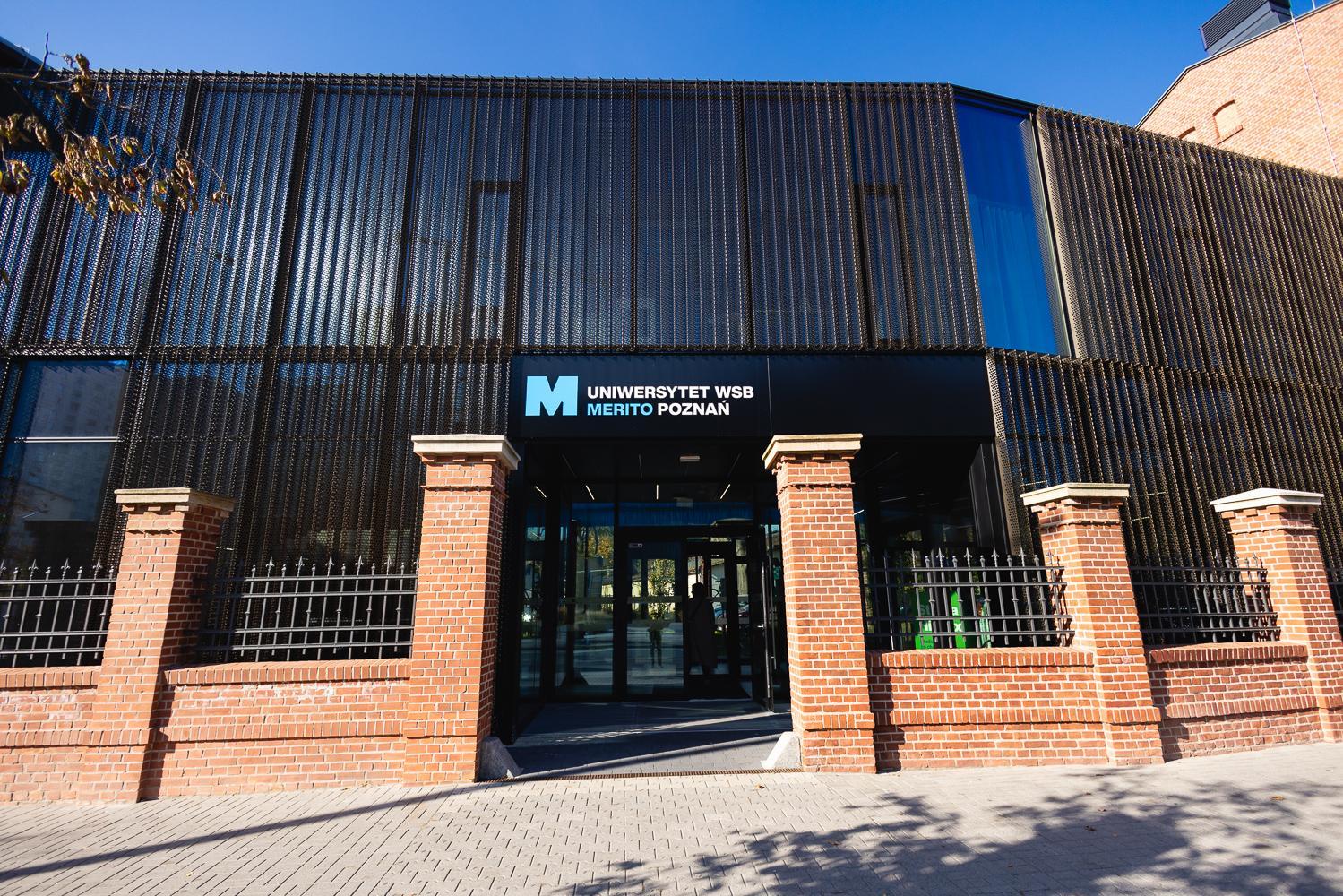
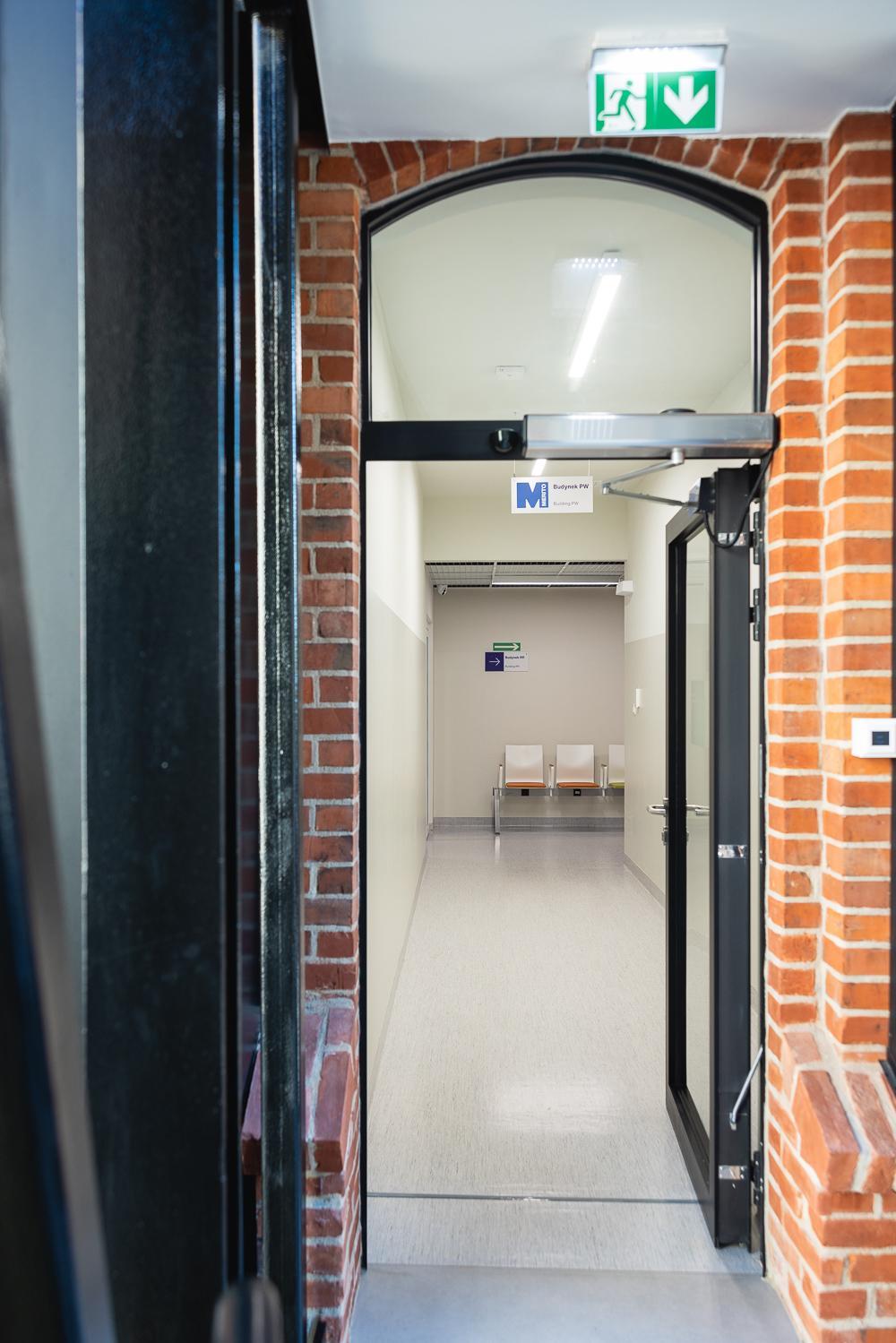
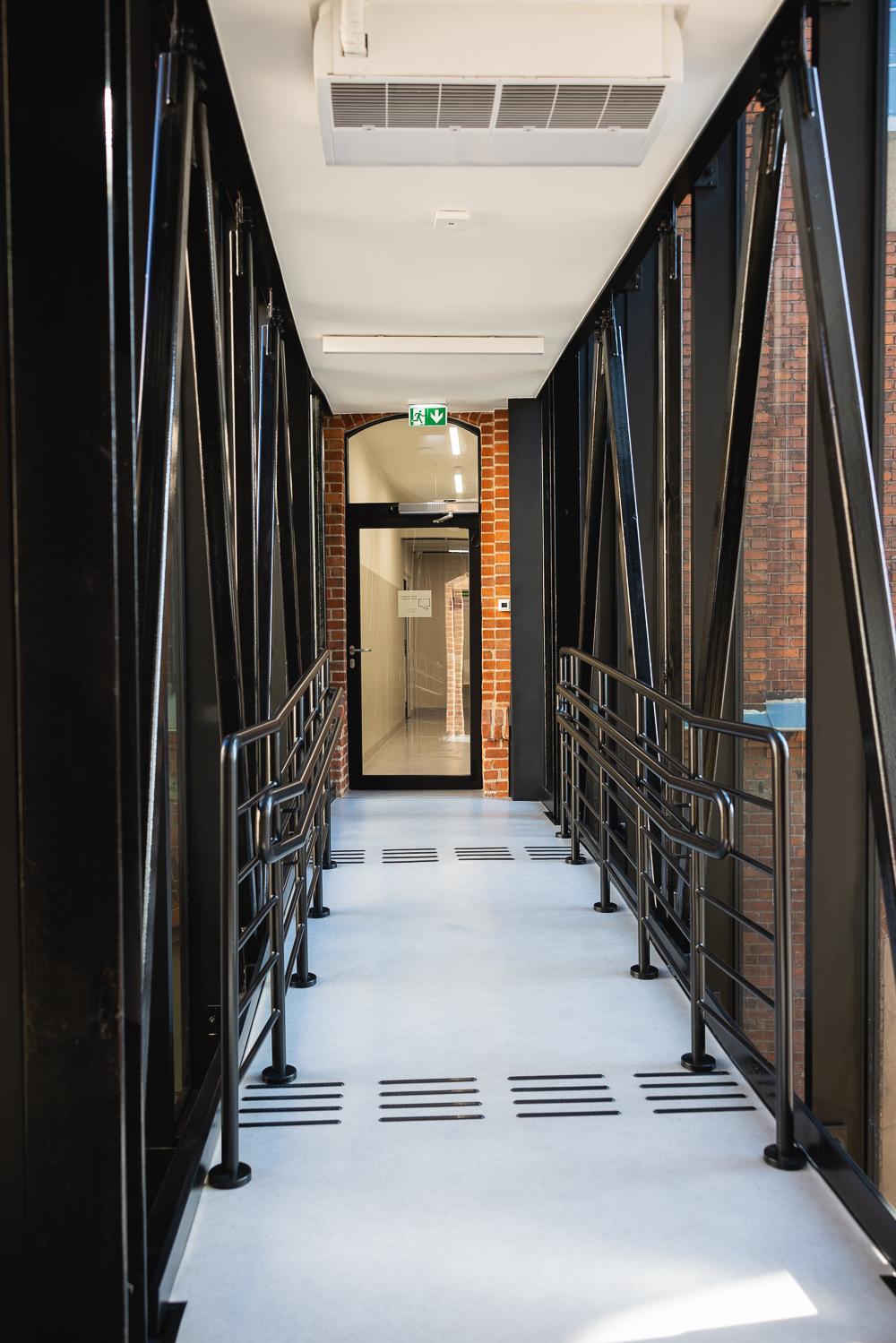
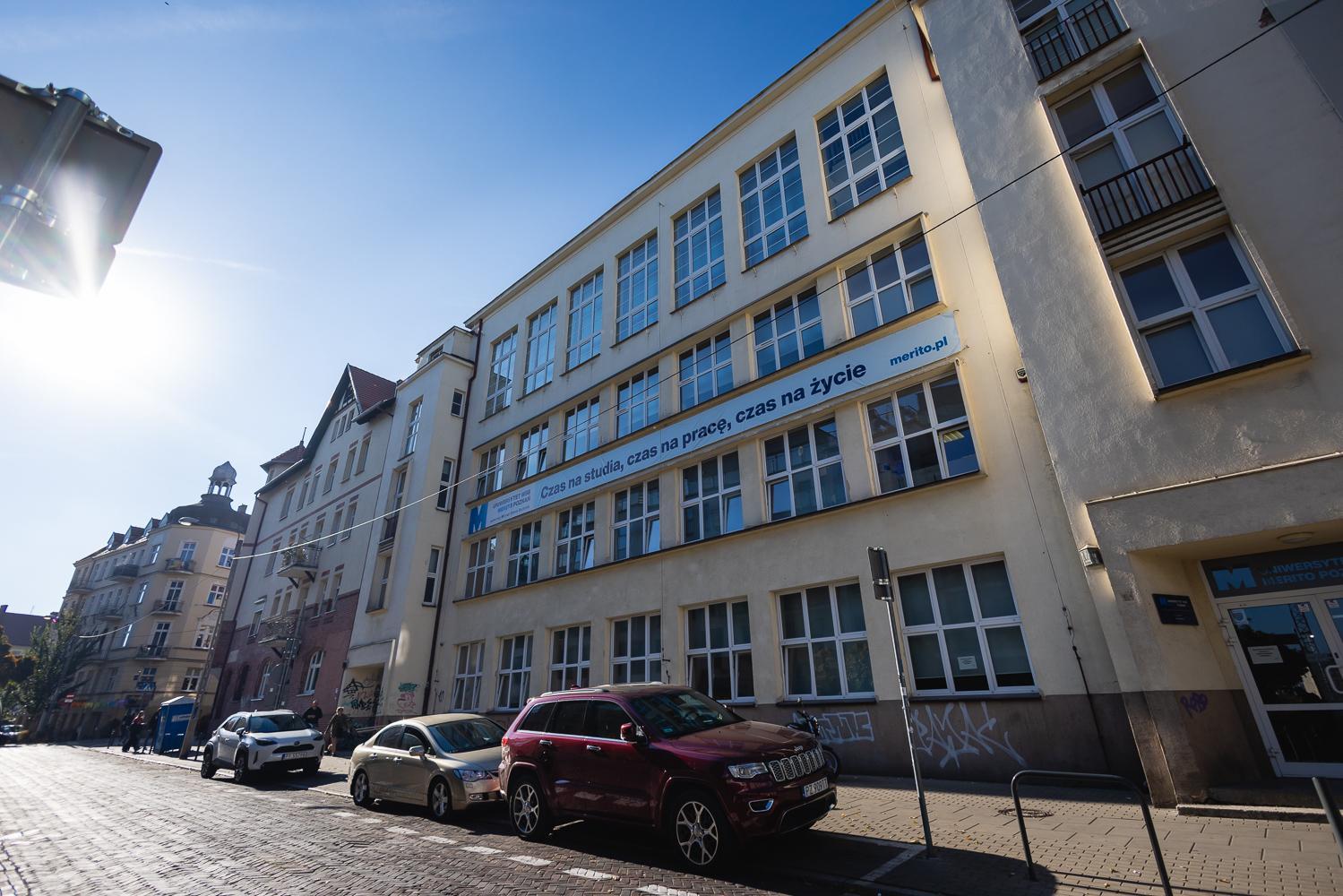
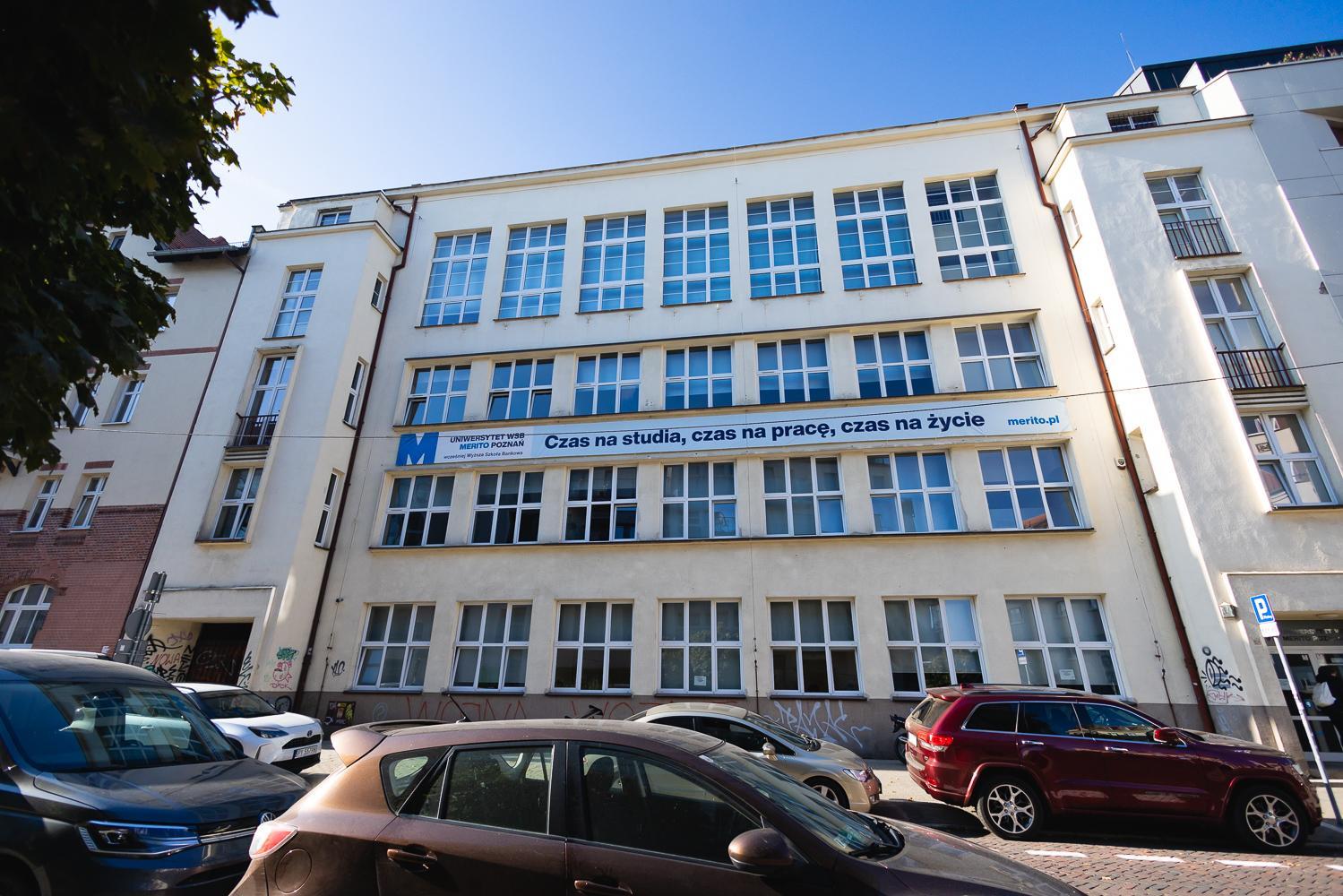
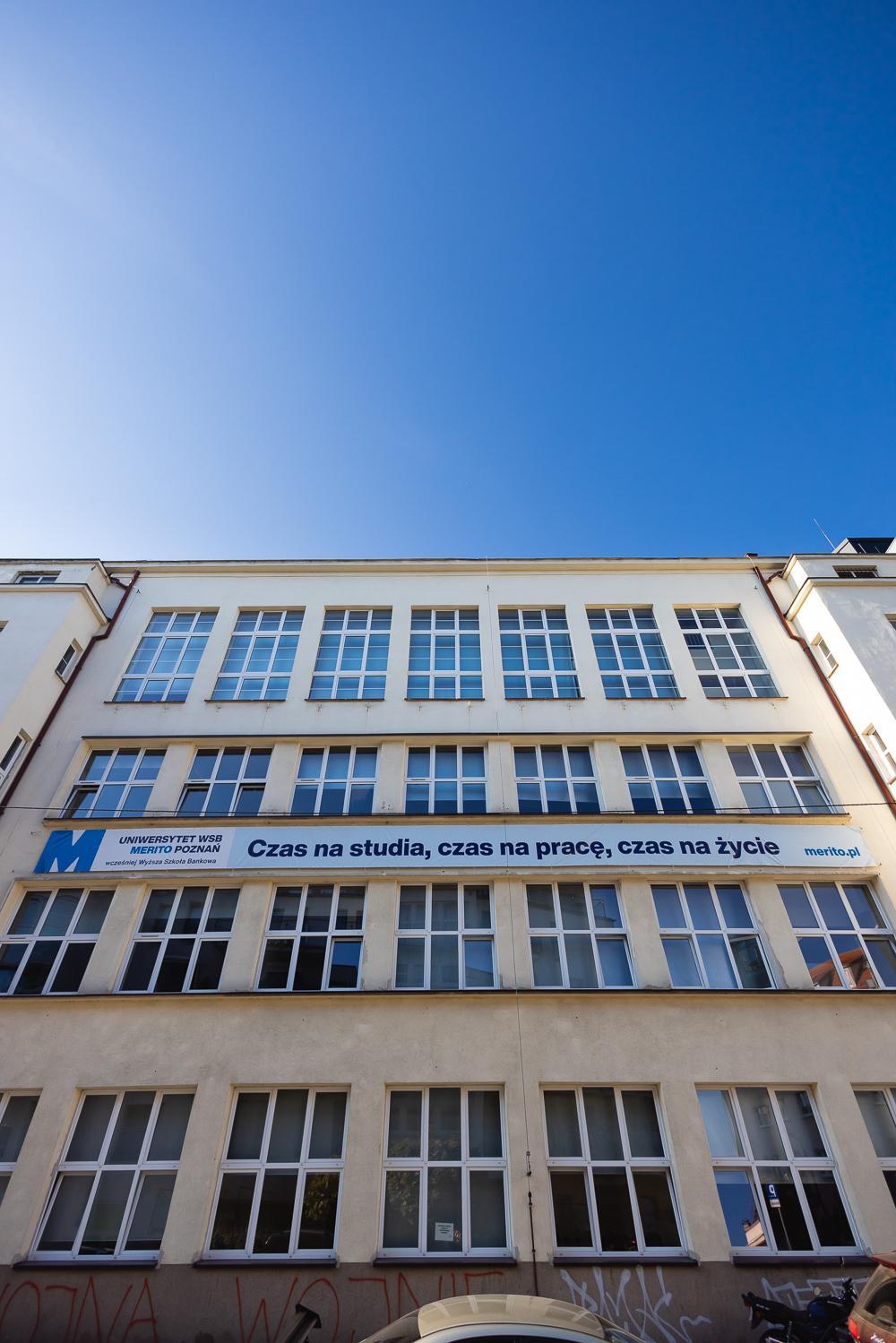
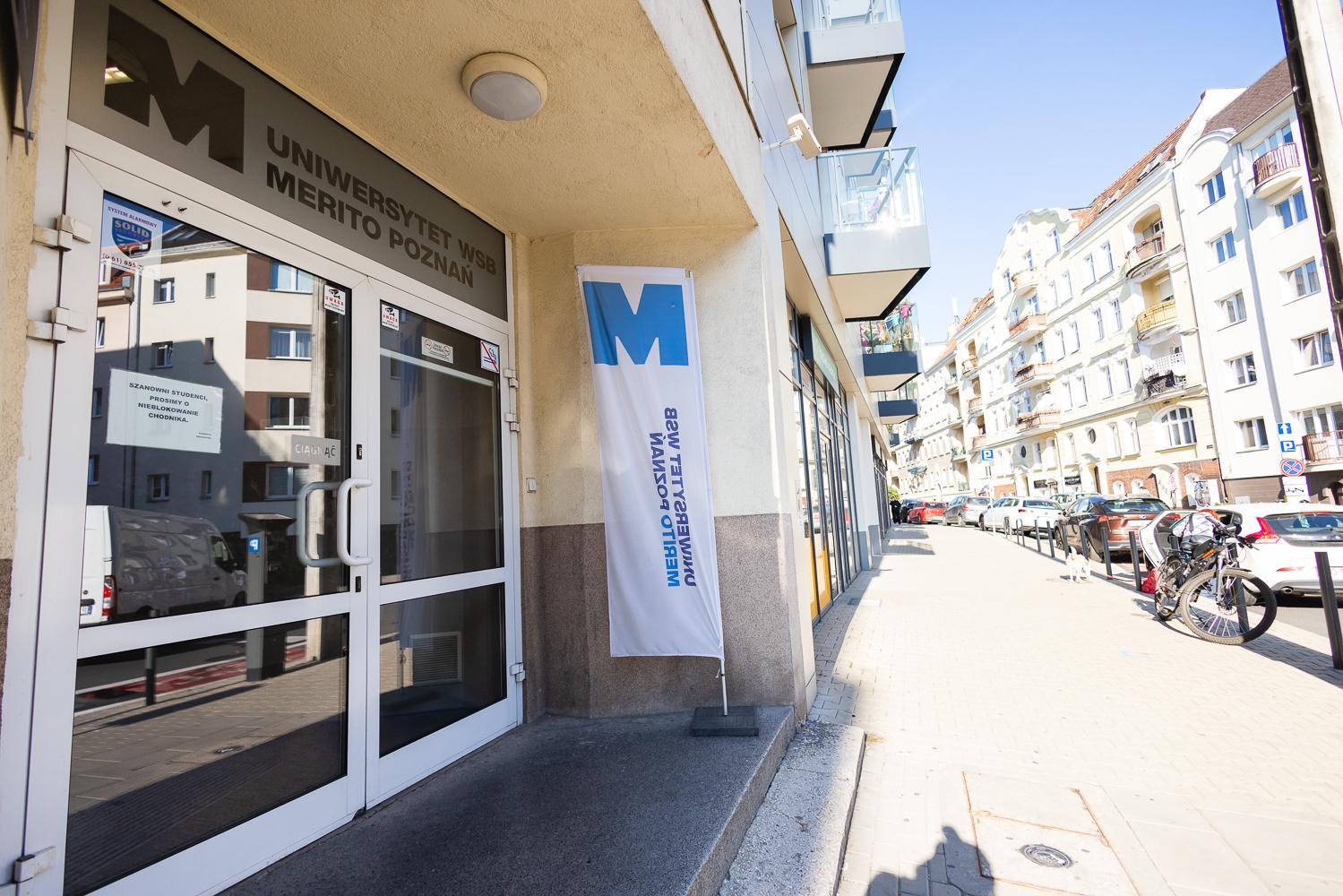
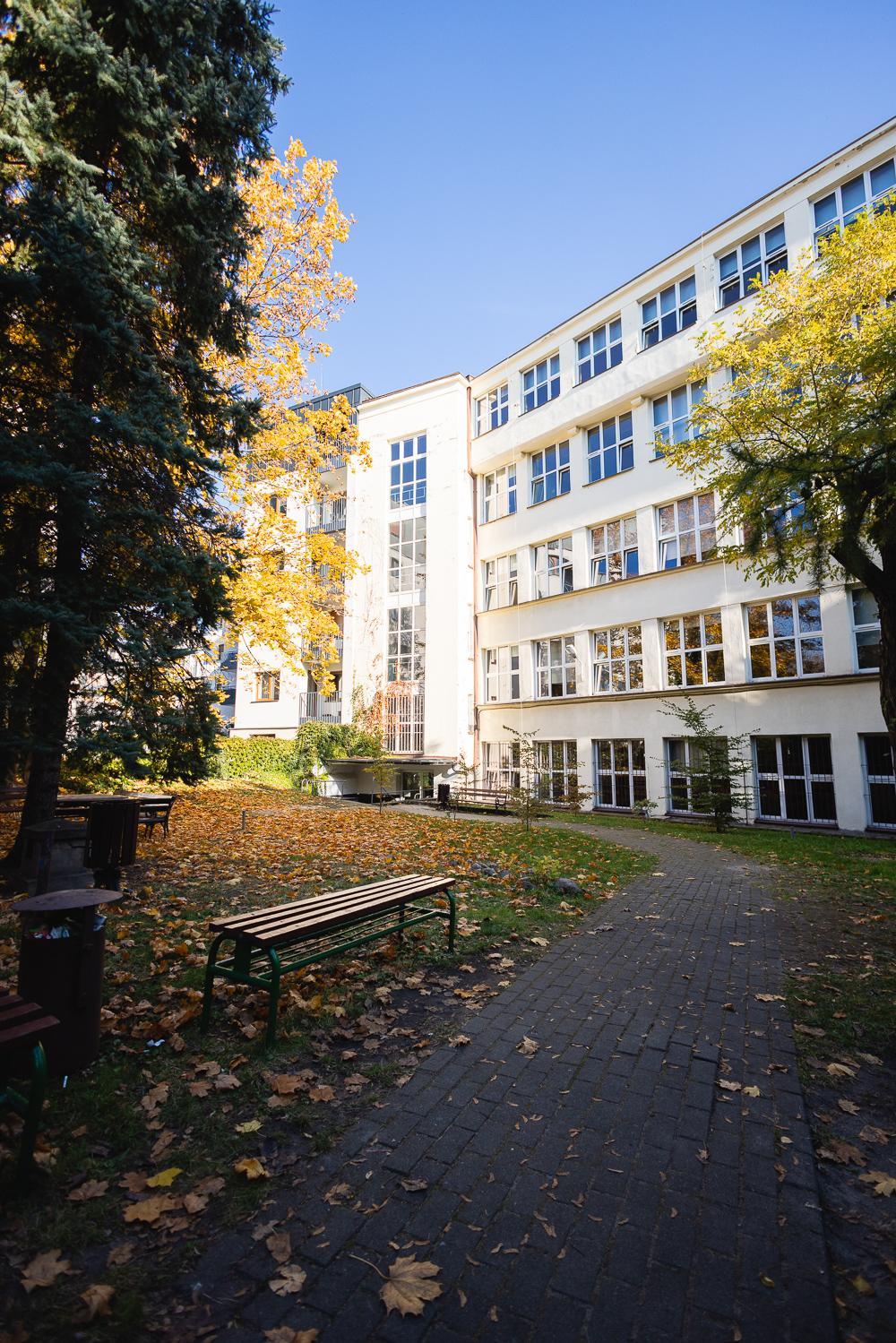
Our university consists of 6 modern buildings in the centre of Poznań, providing convenient access to classes:


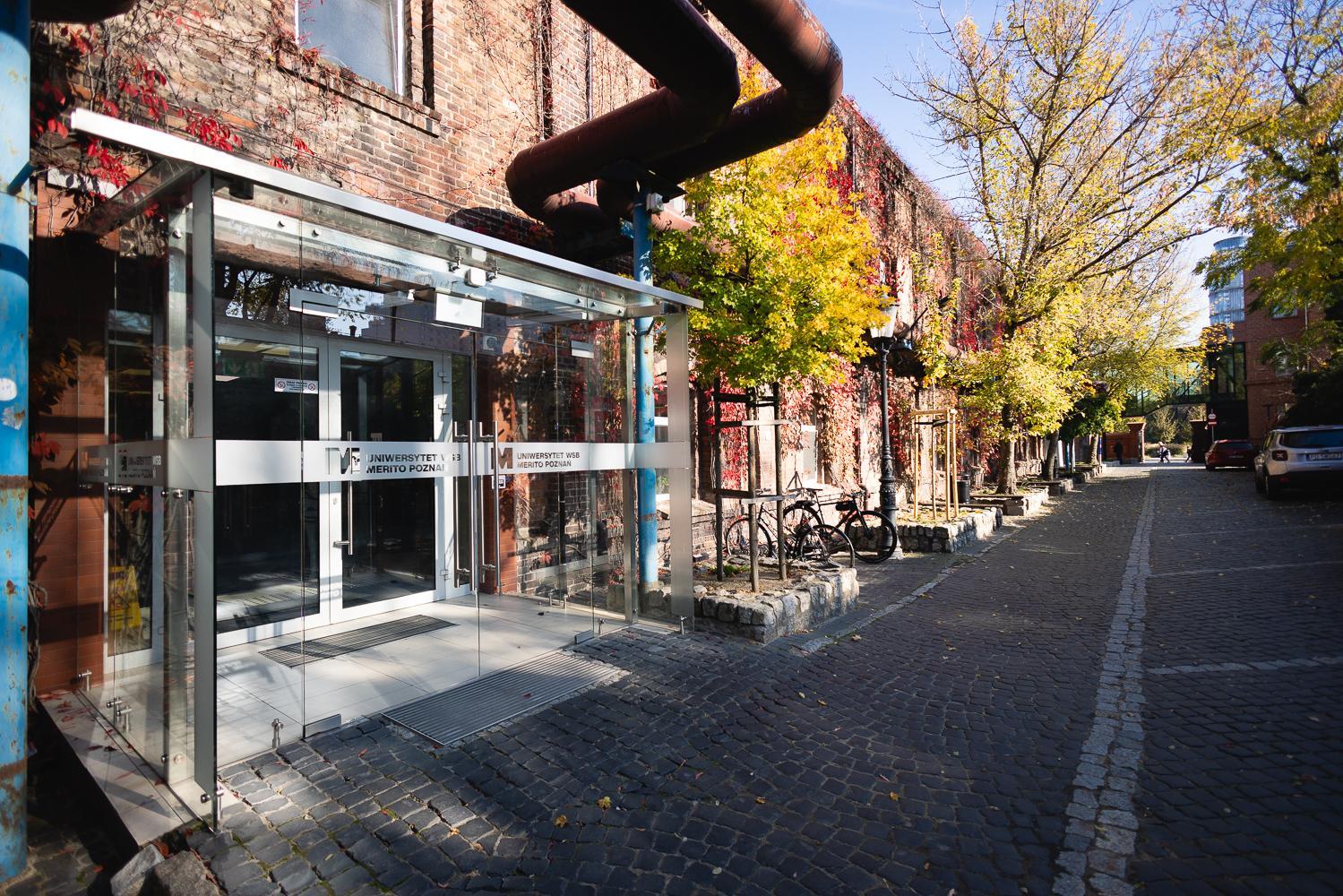
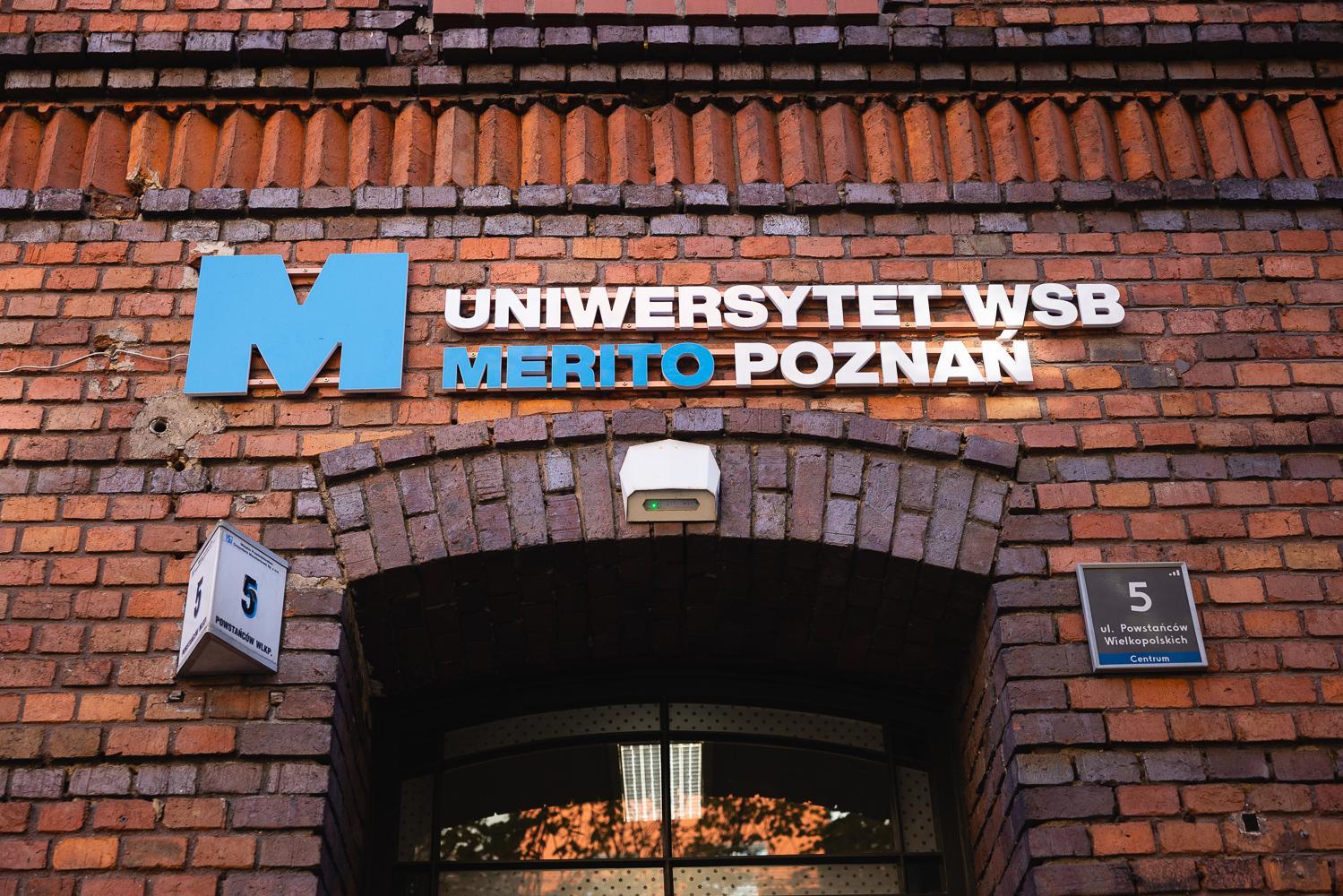
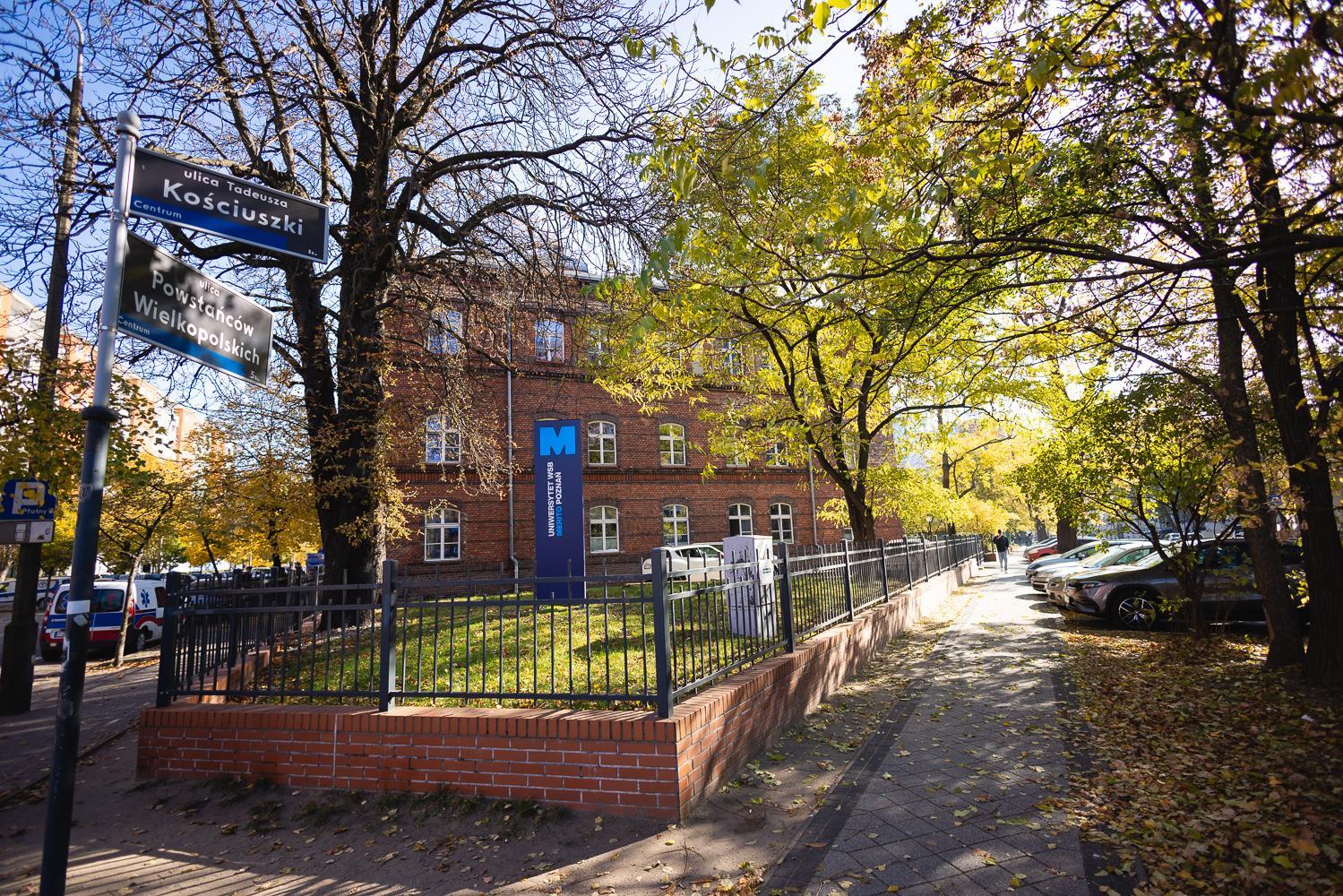
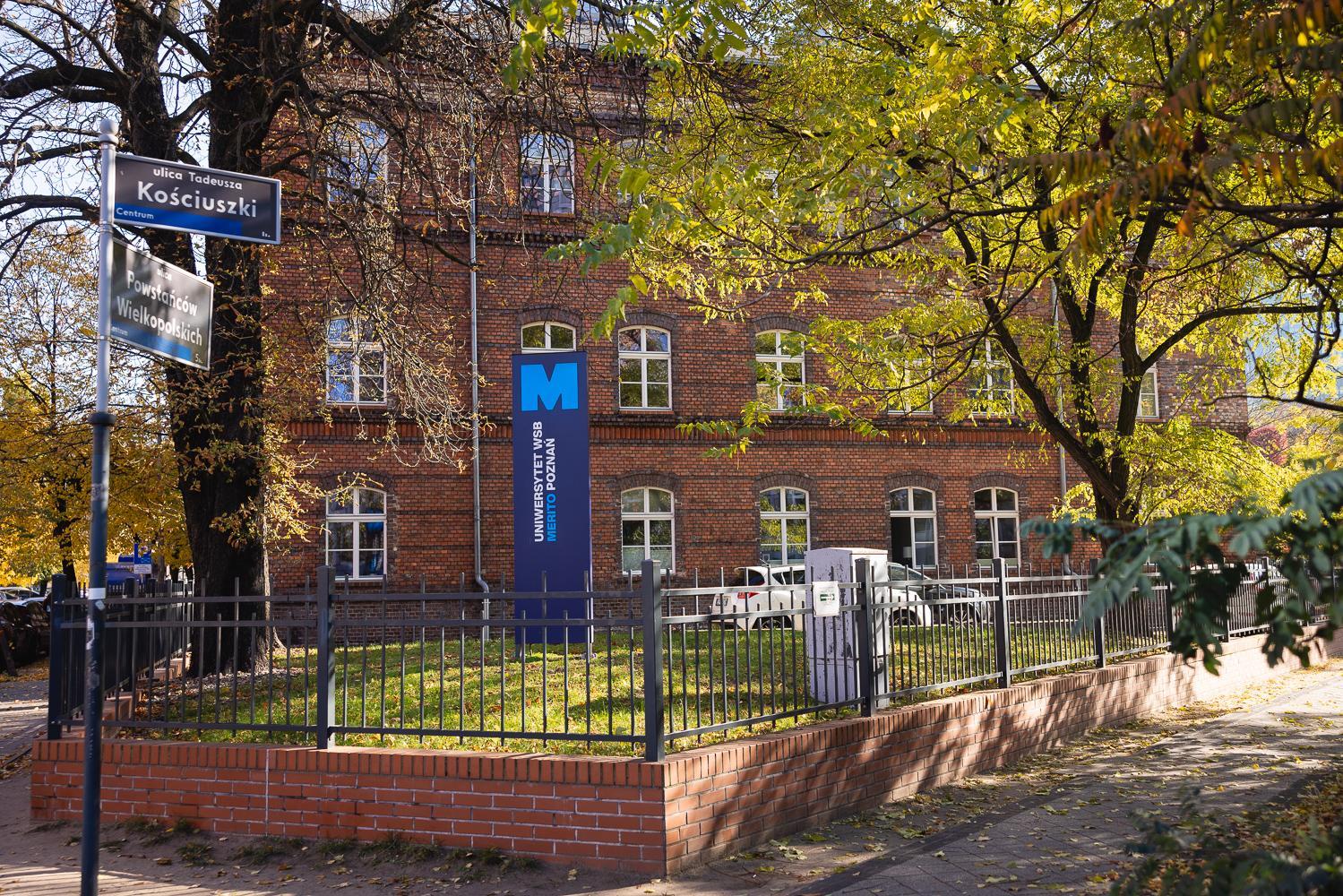
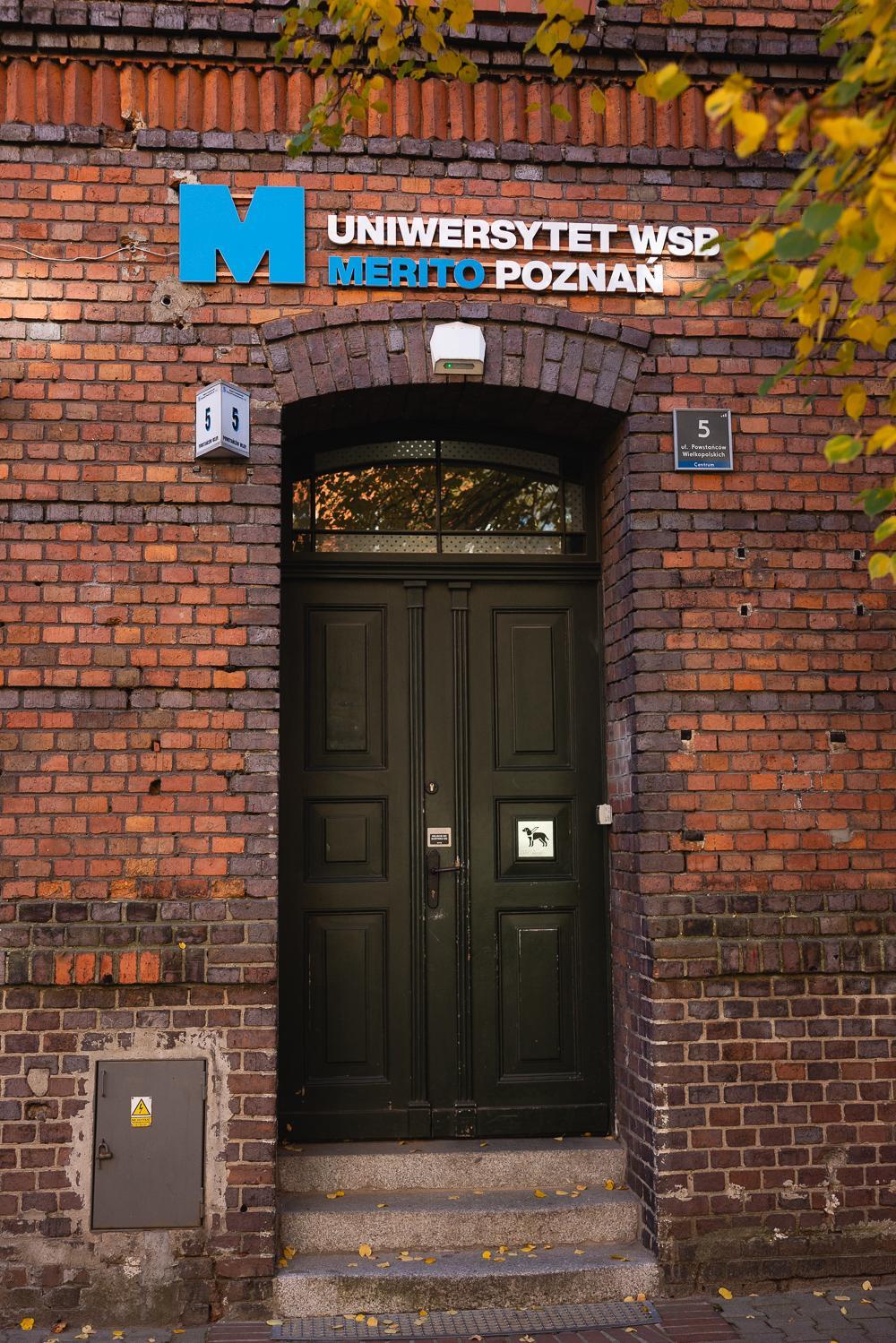
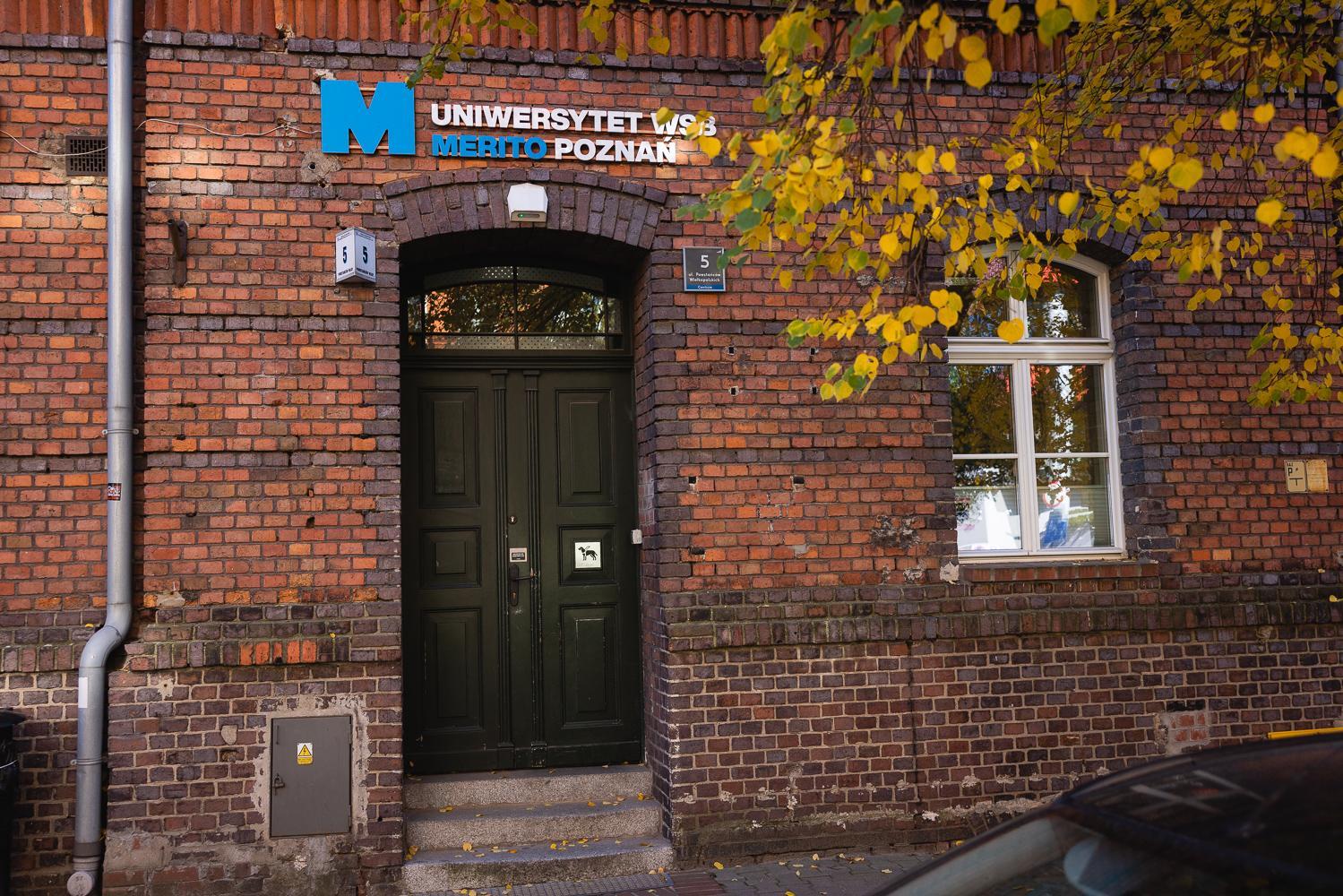
  • Main Building – ul. Powstańców Wielkopolskich 5
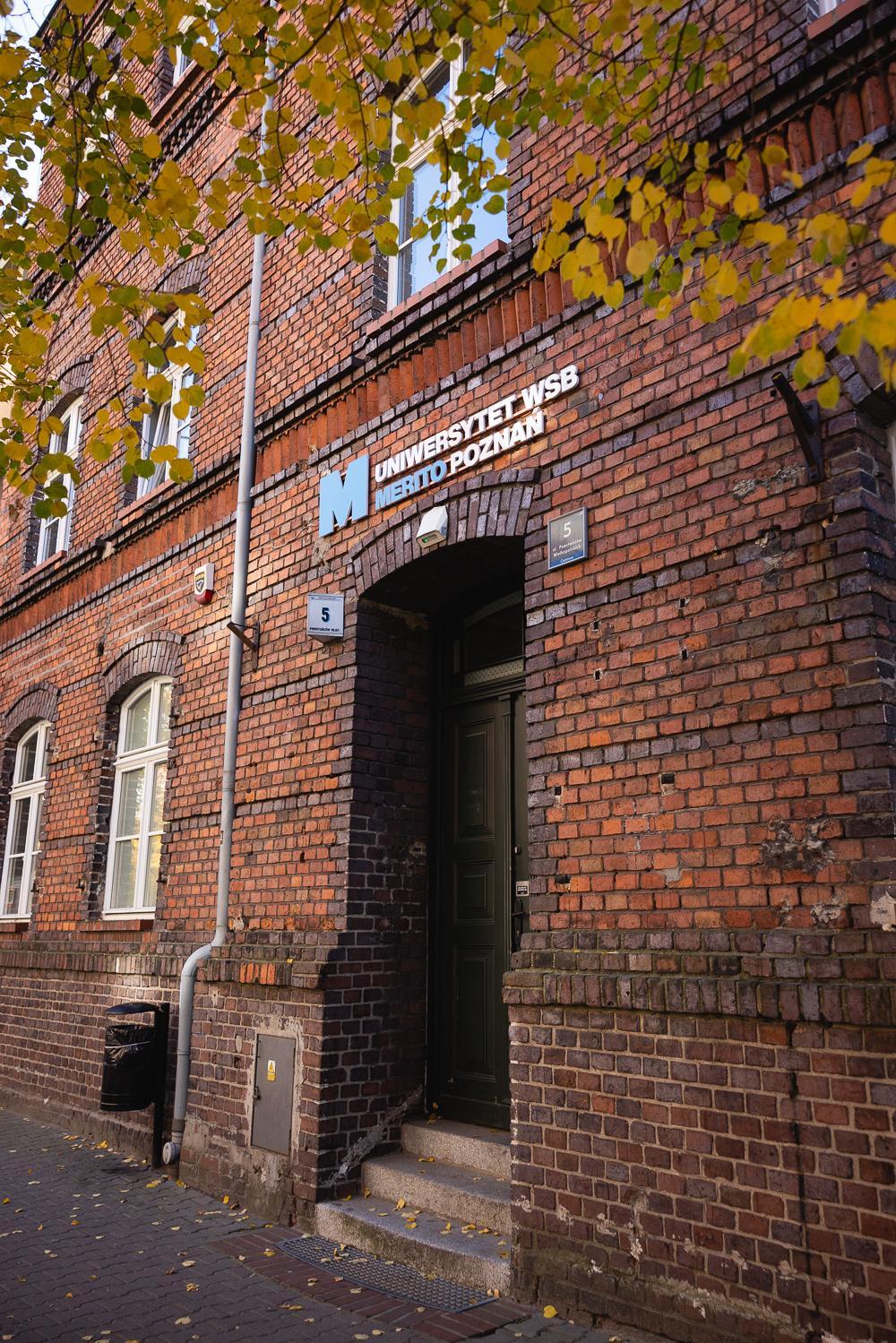
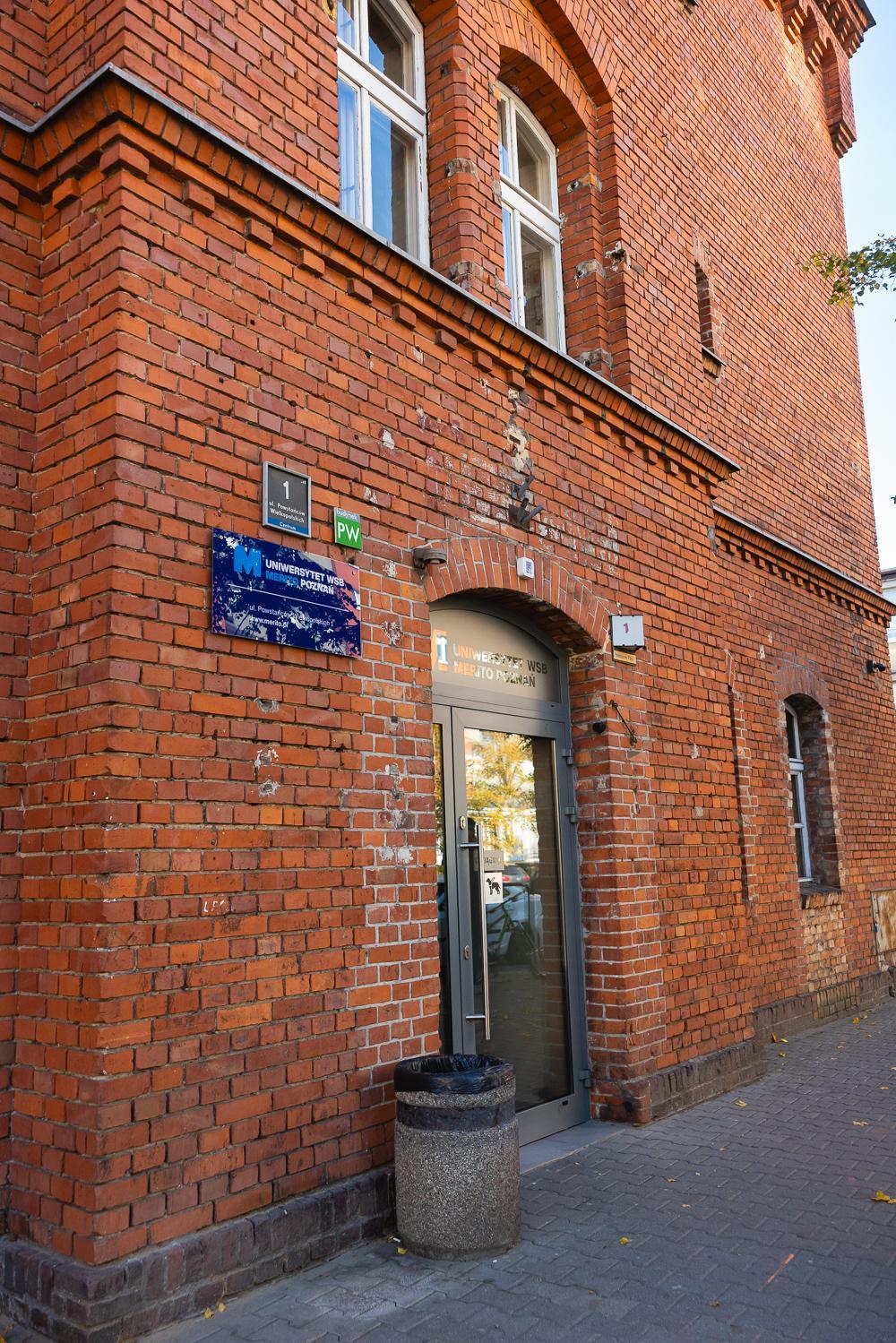
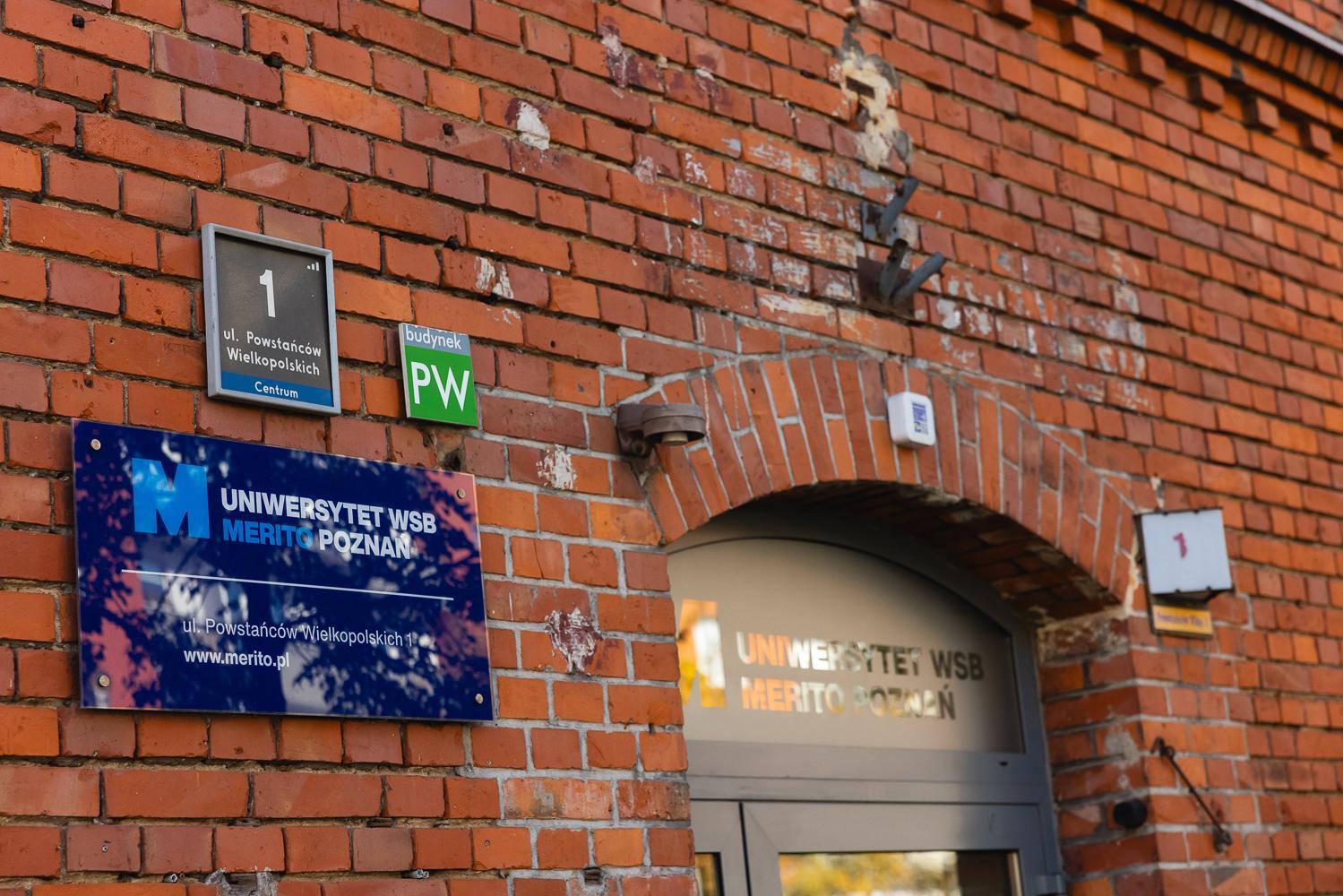
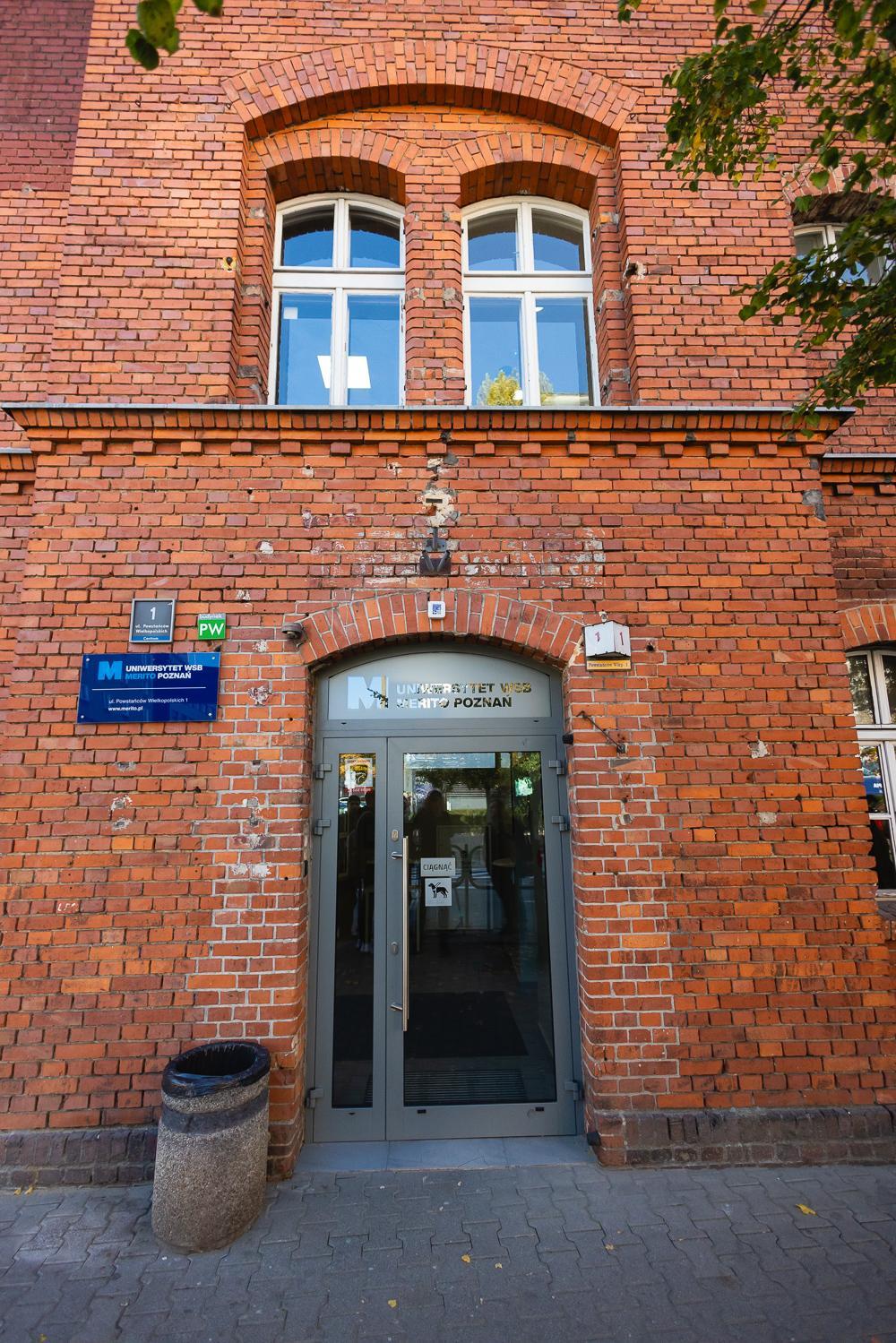
  • PW Building – ul. Powstańców Wielkopolskich 1
  • BR Building – ul. Powstańców Wielkopolskich 2a
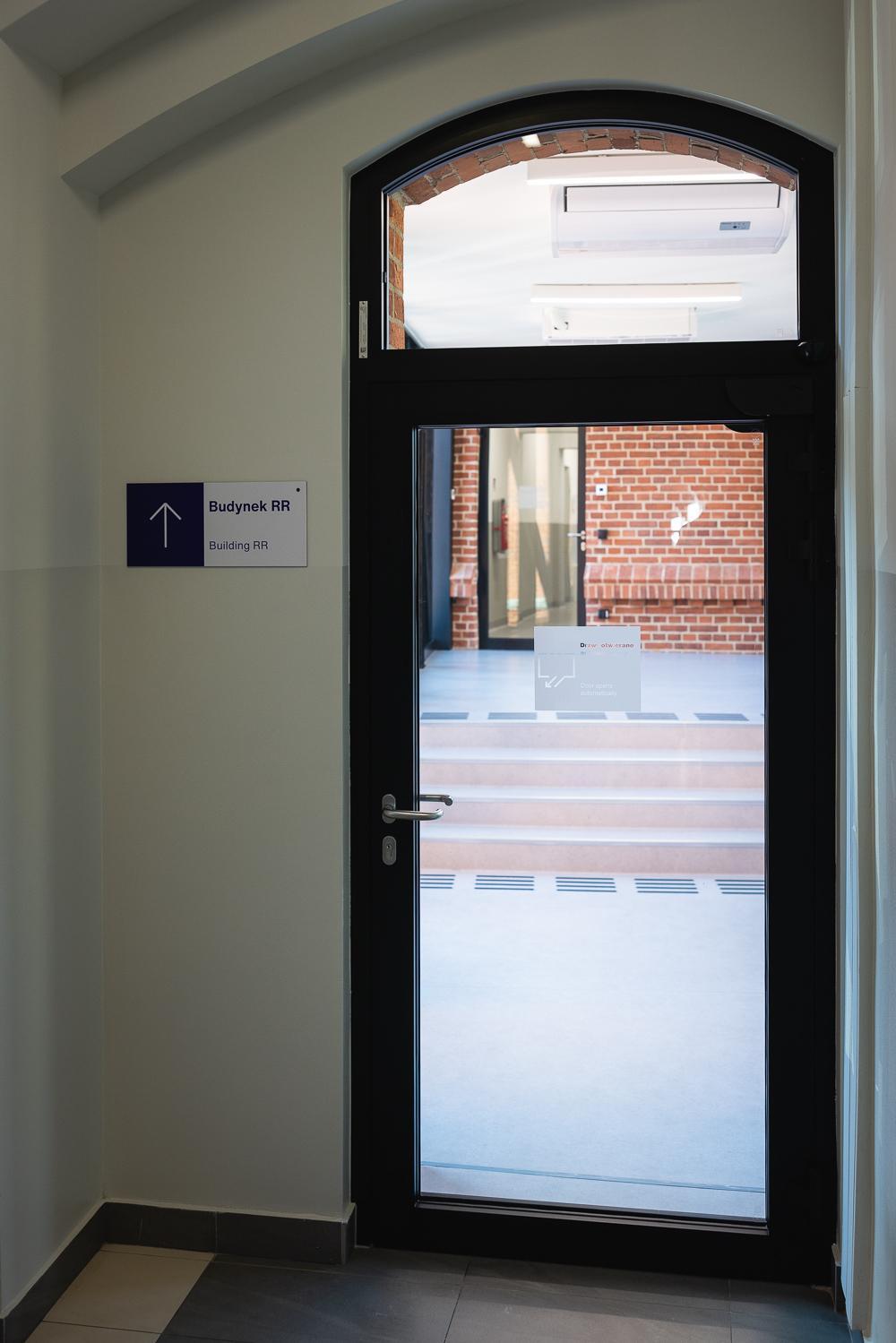
  • RR Building – ul. Ratajczaka 1–3
  • CP Building – ul. Ratajczaka 5
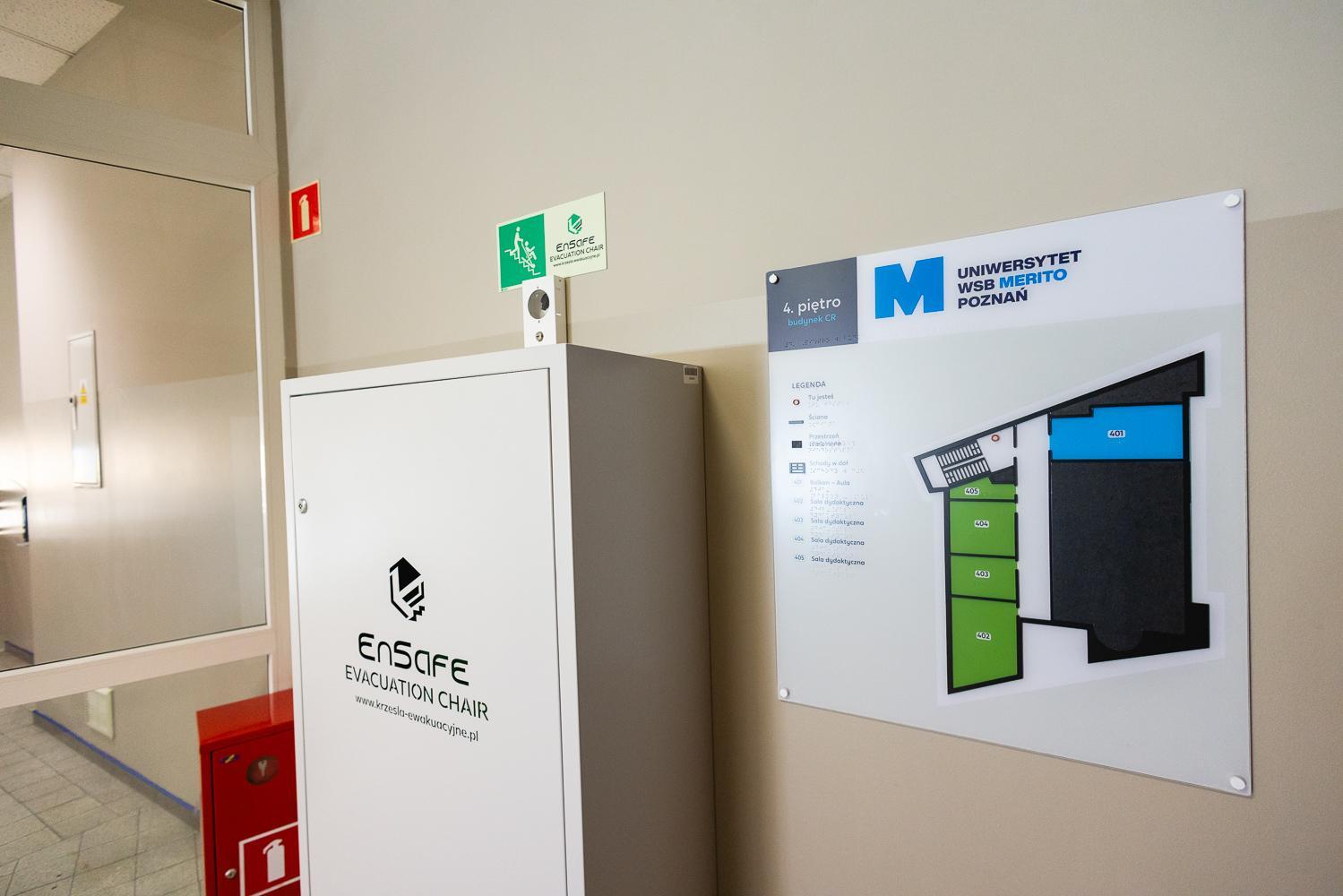
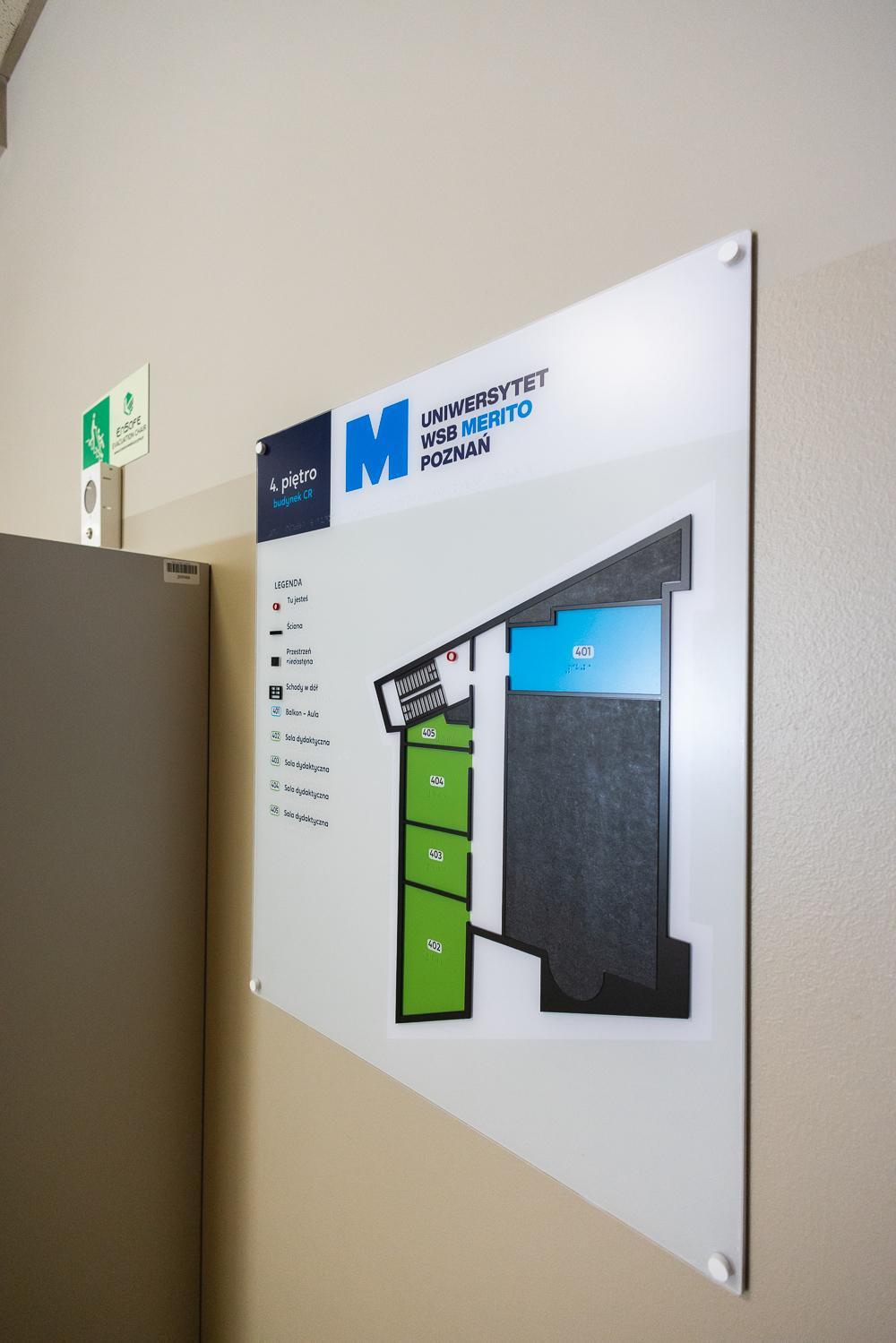
  • CR Building – ul. Różana 17


All locations are easily accessible and fit perfectly into the vibrant city centre.

Still have doubts?

Unsure which field of study fits you?

Have you already chosen your field of study?

Fill out a short form and start the admission process.